Uptime Monitoring Tool: What It Catches and What It Misses
August 7, 2026
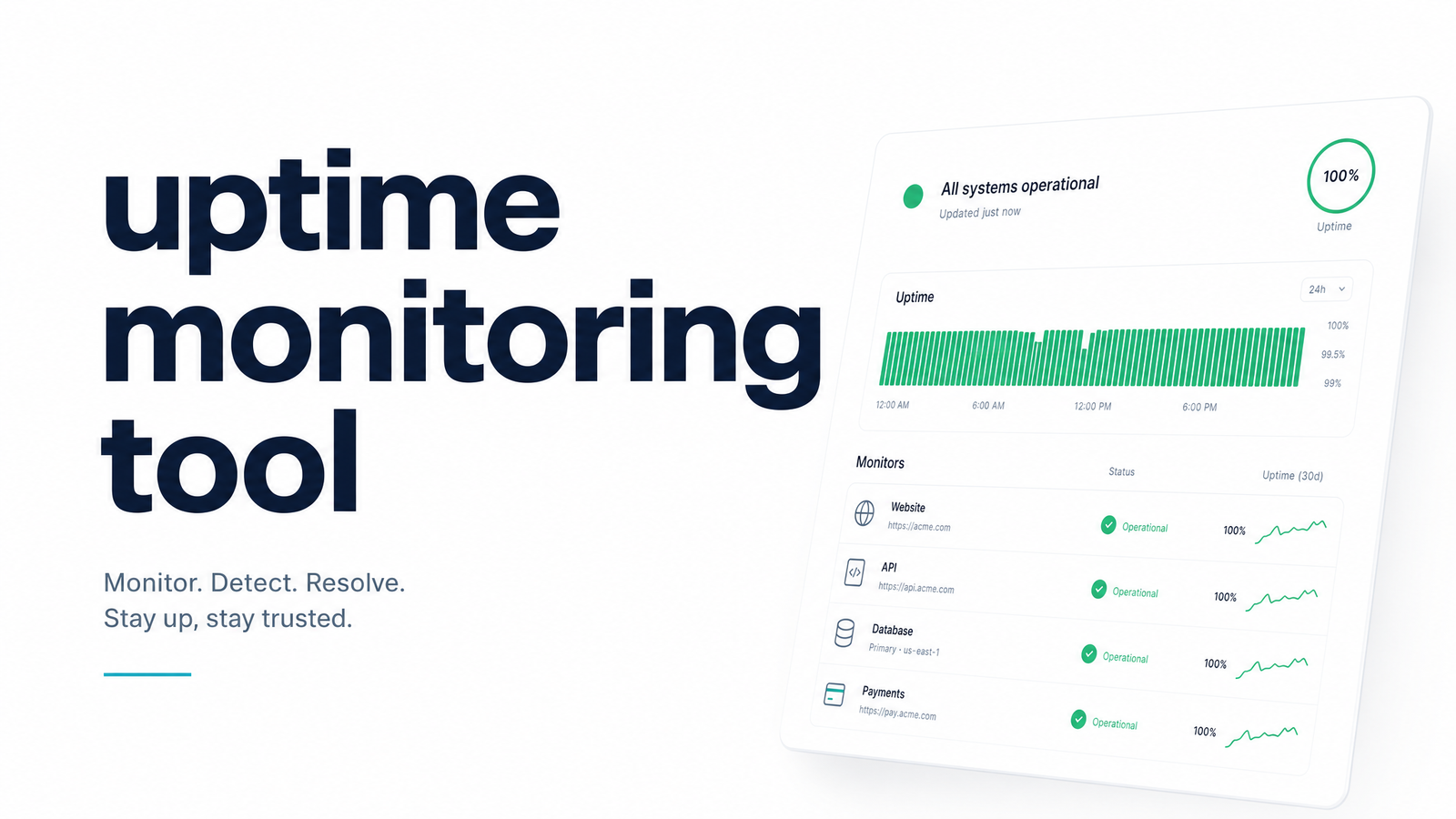
Searching for an uptime monitoring tool usually means one thing: you want to know the moment something breaks, before your users tell you. But "something breaks" covers more ground than most uptime tools can watch. Before you pick a tool, it's worth understanding what uptime monitoring does well, where its model breaks down, and whether your real problem is a different kind of monitoring wearing the same name.
What Is an Uptime Monitoring Tool?
An uptime monitoring tool repeatedly checks whether a website, API, or server is reachable and responding correctly. The mechanism is simple: the tool sends an HTTP request (or a ping, or a port check) to a URL you specify, on a fixed interval — every one, five, or fifteen minutes — and evaluates the response. If the endpoint times out, refuses the connection, or returns an unexpected status code, the tool fires an alert through email, SMS, Slack, or another configured channel.
This is website uptime monitoring in its purest form: outside-in checking. The tool acts like a curious visitor, knocking on your server's door at regular intervals and reporting whether anyone answered. The same logic extends to a broader server monitoring tool setup, where you might also track CPU, memory, or disk usage on the machine itself. In every case, the tool needs one thing to function: a reachable target it can poll from the outside.
That requirement is exactly where the model starts to show its limits.
The Blind Spot: What Uptime Monitoring Can't See
Uptime monitoring only works on things with a public, reachable endpoint. A homepage, a login page, a REST API — all fine, because there's a URL to hit. But a huge share of production work has no such URL. Nightly backup scripts, ETL pipelines, report generators, queue workers, and cron jobs typically run on a schedule, do their work, and exit. There's nothing sitting there waiting to answer a ping.
That absence creates a specific danger: silent failure. If a cron job that syncs inventory data crashes at 2 a.m., or simply never triggers because a deploy overwrote the crontab, no "down" signal ever fires — because there was never anything for an uptime checker to check. Your website stays green, your dashboards stay quiet, and the job just doesn't run, sometimes for days, until someone notices stale data or a missing report. Cron job monitoring exists specifically to close this gap, and the pattern of scheduled task monitoring going unnoticed is common enough that it has a name — the blind spot problem. For a closer look at how these failures happen in practice, see this rundown of cron job examples and why they fail silently. If you're new to the concept, this plain-English guide to cron is a useful starting point.
Uptime Monitoring vs. Heartbeat (Cron) Monitoring
The clearest way to understand the split is direction. Uptime monitoring is active and outside-in: the tool initiates contact, calling your endpoint to see if it's alive. Heartbeat monitoring is passive and inside-out: your job calls the monitoring tool to confirm it ran, typically by pinging a unique URL at the start, end, or completion of the task.
This inside-out model is often called a dead man's switch — the monitor expects to hear from you on a schedule, and if that check-in doesn't arrive within an expected window, it assumes something's wrong and alerts you. Uptime monitoring asks "can I reach you?" A heartbeat monitoring tool asks "did you do the thing you were supposed to do, on time?"
This is why uptime monitoring vs. cron monitoring isn't really a competition — the two solve different failure modes and work best together. A web app can be fully "up" by every uptime check while its background job queue silently stalls. Running both means you're covered whether the problem is your server not answering or your scheduled work not happening.
What to Look for in an Uptime Monitoring Tool
If you've confirmed you need classic uptime monitoring, evaluate candidates against a few practical criteria rather than just price:
- Check interval and frequency. Shorter intervals (one minute vs. fifteen) catch outages faster but may cost more — match this to how quickly a real outage would hurt you.
- Multi-region checks. Requests from a single location can produce false alarms from local network issues; checks from several regions confirm a real, global outage.
- Alert channels. Make sure downtime alerts reach the channels your team actually watches — Slack, PagerDuty, SMS — not just an inbox that goes unread at 3 a.m.
- Status pages. A public or internal status page saves support time by giving users and teammates a single source of truth during an incident.
- SSL and domain expiry checks. Some outages are self-inflicted — an expired certificate or domain — and a good tool flags these before they cause downtime.
- False-positive handling. Look for retry logic before an alert fires, so a single dropped packet doesn't trigger a false alarm and alert fatigue.
These uptime monitoring features matter regardless of which vendor you choose, and they're worth checking against any shortlist you're building.
Do You Need Uptime Monitoring, Cron Monitoring, or Both?
Run through this quickly:
- If everything you care about has a public URL someone could visit right now, and your main worry is "is my site reachable," classic uptime monitoring covers you.
- If you have scheduled jobs, backups, or workers that run without a browser ever hitting them, and your worry is "did that actually run tonight," you need heartbeat-style monitoring.
- If you have both — a live site and scheduled or background work behind the scenes — you need both, because neither tool can substitute for the other's blind spot.
Most production teams land in that third category. A cron job monitoring tool built for developers running scheduled HTTP jobs fills exactly the gap that uptime monitoring for developers leaves open — catching jobs that fail, hang, or simply never fire, and giving you recovery alerts instead of a stale, silent success.
If your honest answer is "I need to know when my scheduled or background jobs fail, not just when my site is down," that's the signal to stop optimizing your uptime setup and start watching your jobs directly. Cronevra is built for exactly that — heartbeat-based monitoring for cron jobs and scheduled tasks, with execution history and failure alerts so nothing quietly stops running. Check the pricing page to see which plan fits your job volume.
Frequently Asked Questions
Is an uptime monitoring tool the same as a cron job monitoring tool?
No. An uptime monitoring tool checks whether a public URL or server is reachable by polling it from the outside, while a cron job monitoring tool waits for your scheduled job to check in and alerts you if that check-in doesn't happen. They monitor different failure modes and are often used side by side.
Can uptime monitoring tools detect a cron job that silently stopped running?
Generally no, unless the cron job exposes its own public endpoint that the uptime tool is specifically configured to poll. Most cron jobs, backups, and background workers have no such endpoint, so they can fail or stop running entirely without triggering any uptime alert.
What's the difference between active monitoring and heartbeat monitoring?
Active (uptime) monitoring is outside-in: the tool initiates a request to your endpoint on a schedule to see if it responds. Heartbeat monitoring is inside-out: your job calls the monitoring service to confirm it ran, and the service alerts you only if that expected check-in is missed.
Do I need both an uptime monitor and a cron/heartbeat monitor?
If you run a live website or API alongside any scheduled jobs, backups, or background workers, yes — the two tools cover separate risks. Uptime monitoring won't catch a stalled backup script, and heartbeat monitoring won't tell you your homepage is down.
How often do uptime monitoring tools check my site, and does that matter?
Check intervals typically range from one to fifteen minutes, and the interval directly affects how fast you learn about a real outage. A five-minute check can mean up to five minutes of undetected downtime before an alert fires, so match the interval to how much impact that delay would have.
Is there a free way to monitor both website uptime and scheduled jobs?
Many uptime tools offer free tiers for basic website checks, and dedicated cron monitoring tools often have free or low-cost plans for a limited number of jobs. Running a free uptime checker alongside a purpose-built heartbeat monitor is a practical, low-cost way to cover both blind spots at once.