Cron Job Monitoring: The Framework for Reliable Jobs
August 5, 2026
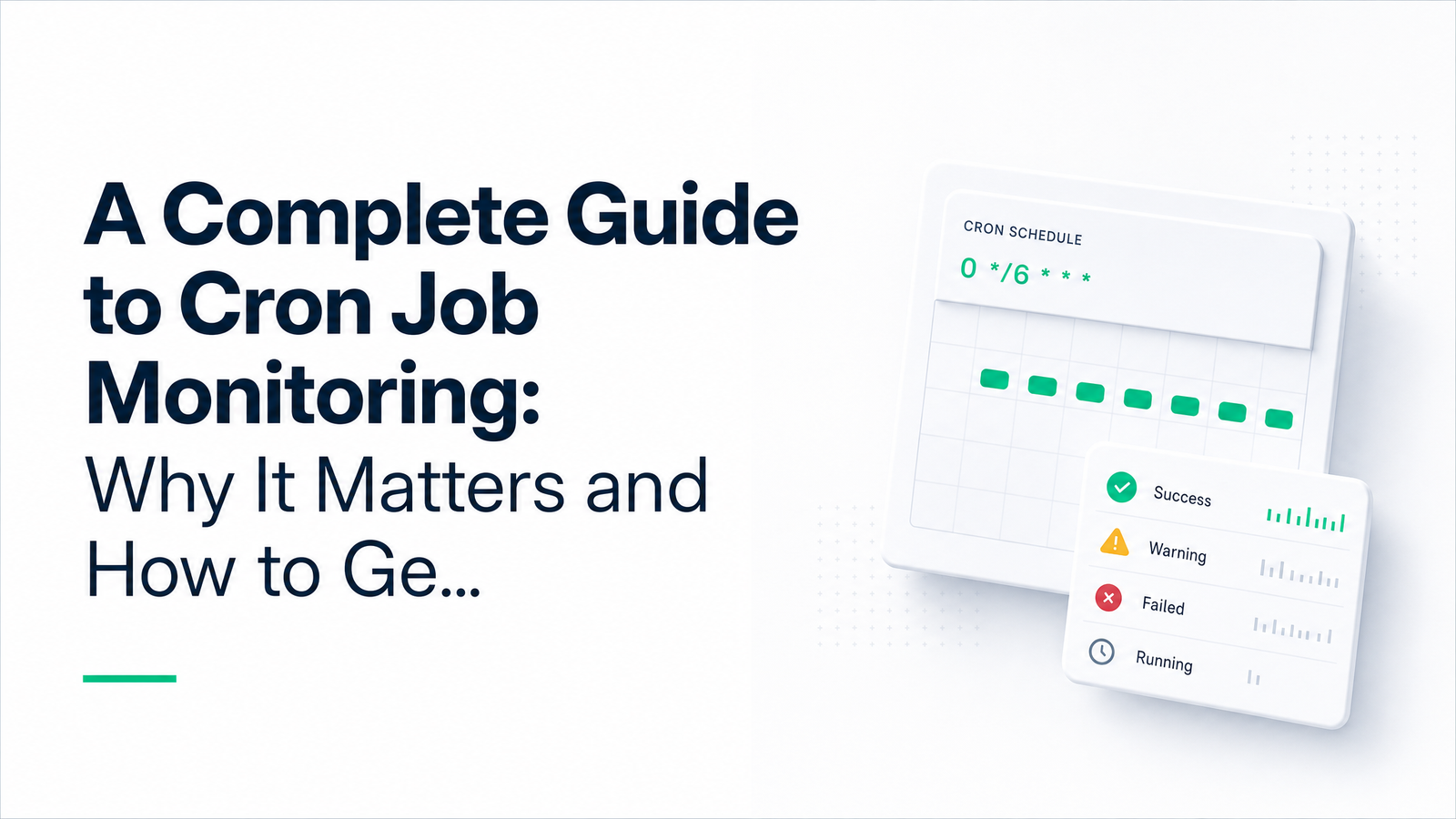
What Is Cron Job Monitoring (and Why Cron Fails Silently)
Cron job monitoring is the practice of tracking whether your scheduled jobs actually ran, ran on time, and finished successfully — instead of assuming they did. Most teams skip it, because cron itself gives you no reason to think you need it.
Cron was designed in the 1970s for "fire and forget" execution: it triggers a command at a set time and moves on. It doesn't check success, doesn't retry on failure, and doesn't notify anyone if the job never ran at all — say, because the server rebooted, the crontab entry got dropped, or a deploy silently overwrote the schedule. There's no feedback loop built in.
That's the core problem behind silent cron failures: a job can crash, hang indefinitely, or simply not execute, and the system will look exactly the same as when everything worked. If nobody is watching stdout, checking exit codes, or expecting a signal from the job, failure and success are indistinguishable from the outside. That silence is precisely what cron job monitoring exists to eliminate — it adds the visibility layer cron was never built to provide.
Why It Matters: The Real Cost of an Unmonitored Job
Downtime is expensive even when it's loud and immediately visible. According to New Relic's 2025 Observability Forecast, cited in Virima's breakdown of 2025 downtime costs, the median cost of a high-impact outage is significant enough to justify serious investment in detection tooling — and that's for outages teams actually notice quickly. Cron failures are worse: they're often invisible for days or weeks before anyone connects the dots.
Consider scenarios that play out in real infrastructure constantly. A nightly backup job fails silently for three weeks; nobody discovers it until a production database needs restoring and there's nothing recent to restore from. A billing report cron expires an API token and stops generating invoices, quietly costing revenue while dashboards upstream look normal. A data sync between two systems breaks after a schema change, and customer-facing numbers drift out of sync for days before support tickets pile up and someone finally investigates.
None of these are dramatic outages. They're missed cron jobs — a category of silent failure that doesn't trip any alarm because nothing "went down." The cost isn't measured in server minutes; it's measured in stale data, missed compliance windows, and the time it takes to even realize something's wrong, which directly inflates your mean time to recovery (MTTR) once the damage is finally noticed.
Three Levels of Cron Monitoring Maturity
Most teams evolve through three stages, each catching more than the last.
Passive logging is the starting point: jobs write to a log file or stdout, and someone can go look if they suspect a problem. It's useful for post-incident debugging but catches nothing proactively — you only read the log after you already know something's wrong.
Exit-code / failure alerting is the next step up. The job (or a wrapper script) reports success or failure explicitly, often via an HTTP webhook to a monitoring service, and you get notified when it fails. Tools like Healthchecks.io, Dead Man's Snitch, and Cronitor popularized this pattern. It only catches jobs that ran and failed — if the job never starts at all (cron daemon down, schedule misconfigured, server unreachable), there's no failure to report, and exit-code alerting stays silent.
Heartbeat monitoring, also called a dead man's switch, closes that gap. Instead of only reporting failure, the job pings a monitoring endpoint every time it runs successfully. If that check-in doesn't arrive within an expected window, the monitoring service assumes something is wrong and alerts you — whether the job crashed, hung, or never ran at all. This is the pattern Dev Brains AI's monitoring guide frames as the maturity ceiling: it flips the default so silence itself becomes the signal, instead of trusting nothing is wrong until proven otherwise.
How to Set Up Cron Job Monitoring in 5 Steps
Setting up cron job monitoring doesn't require a big project. Here's a checklist you can work through in one sitting:
- Inventory your jobs. List every crontab entry across every server, including "temporary" ones nobody remembers adding. You can't monitor what you don't know exists.
- Pick a monitoring pattern and tool. Decide whether each job needs simple failure alerting or full heartbeat coverage, and choose a tool — Cronevra, Healthchecks.io, or Cronitor all support the check-in pattern.
- Add a check-in call to each job. Append a lightweight HTTP request to the end of (or wrapping) each cron command, so it pings your monitoring service on success. A single curl call is often enough.
- Set grace periods and escalation rules. Define how late a check-in can be before it's flagged, and route alerts by severity (see below).
- Test it by intentionally breaking a job. Comment out the check-in, or force the command to fail, and confirm the alert actually arrives where you expect. Untested monitoring is just a false sense of security.
Once this is in place for your critical jobs, you're monitoring scheduled tasks the same way you'd monitor any other production dependency.
Best Practices for Reliable Alerts (Without Alert Fatigue)
Cron job failure alerts only work if people trust and act on them, and that trust erodes fast if every alert is noisy or unimportant. A few practices keep signal high:
- Tier your severity. Not every job deserves a 2am page. Route critical jobs (backups, billing, security scans) to PagerDuty or similar, and route lower-stakes jobs to a Slack alerts channel for daytime review.
- Monitor externally, not from the same server. If the monitoring check itself runs on the box that might be down, you've built a single point of failure into your safety net — a point CronRadar's best-practices guide makes explicitly. External monitoring services detect the case where the entire host is unreachable.
- Use grace periods deliberately. A job that normally finishes in 2 minutes shouldn't alert at 2 minutes and 1 second — give it reasonable slack before escalating, but not so much that a real failure sits unnoticed for hours.
- Document ownership. Every monitored job should have a named owner who gets the alert and knows what the job does. Undocumented jobs are how "temporary" scripts become permanent liabilities.
Getting Started with Cronevra
Everything above — check-in based heartbeat monitoring, grace periods, tiered escalation, external checks — is implementable with a handful of open-source tools stitched together, or you can get it out of the box. Cronevra — Cron jobs that never fail silently. is built specifically as a cron job monitoring tool around this dead man's switch pattern, so you add a check-in call and get alerted the moment a job goes quiet, without maintaining the monitoring infrastructure yourself.
If you're ready to stop finding out about broken jobs from a customer complaint, try cronevra and see how quickly your critical jobs get covered — check the Pricing · Cronevra page for plan details when you're ready to move past the free tier.
Frequently Asked Questions
What's the difference between cron job monitoring and server monitoring?
Server monitoring tracks infrastructure health — CPU, memory, disk, uptime — while cron job monitoring tracks whether a specific scheduled task actually executed and succeeded. A server can be perfectly healthy while a cron job silently fails due to a bad config, expired credential, or dropped crontab entry, so the two need separate coverage.
How do I get alerted when a cron job fails or doesn't run?
You add a check-in call to the job that pings a monitoring service on success, and configure that service to alert you if the expected check-in doesn't arrive on schedule. This heartbeat approach catches both failures and jobs that never start, unlike simple exit-code alerting alone.
What is a dead man's switch in cron monitoring?
A dead man's switch is a monitoring pattern where the job must actively report "I'm alive" on every successful run, and the absence of that signal — not an explicit failure message — triggers the alert. It's named after the safety mechanism that assumes something is wrong if a person stops responding.
Can I monitor cron jobs for free?
Yes, several tools including Healthchecks.io and Cronevra offer free tiers suitable for monitoring a small number of jobs. Free tiers are a reasonable way to validate the check-in pattern before committing to a paid plan for larger job inventories.
How often should a monitored cron job check in?
A job should check in every time it runs, with the expected interval matching its schedule plus a grace period sized to normal runtime variance. A job scheduled hourly with a 2-minute typical runtime might get a 5–10 minute grace period before an alert fires.
Does cron job monitoring work for jobs that don't have a public URL?
Yes — the job doesn't need a public URL itself; it just needs outbound network access to send an HTTP request to the monitoring service's check-in endpoint. This works for internal scripts, background workers, and private servers, since the monitoring call goes out from the job, not in to it.