What Is a Cron? A Plain-English Guide for Developers
August 5, 2026
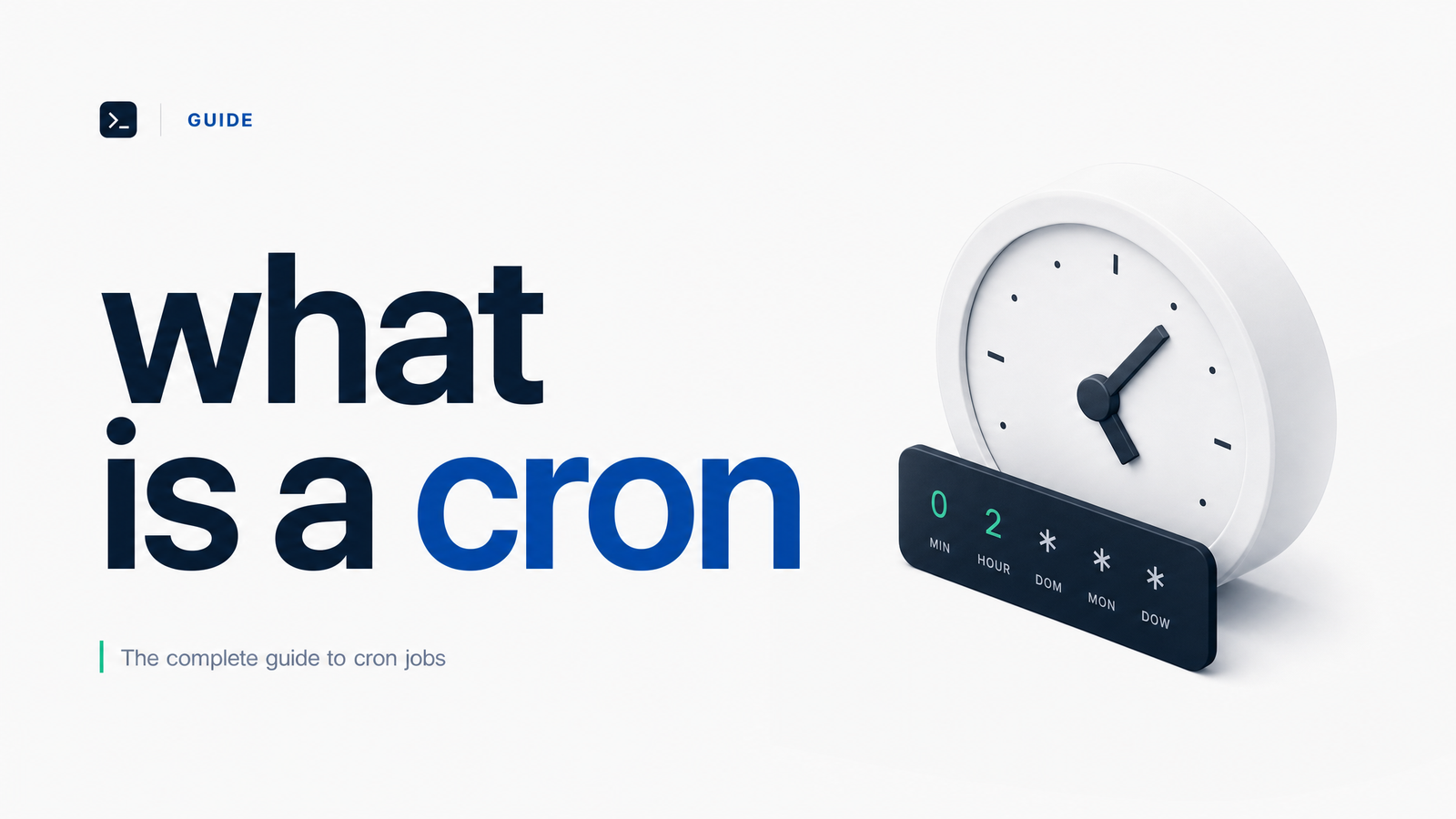
What Is a Cron? The Short Answer
Cron is a time-based job scheduler built into Unix-like operating systems. It runs in the background and executes commands or scripts automatically at times you define, so nobody has to remember to click "run" at 2 a.m. That's the whole cron meaning in one sentence: it's a scheduler, not the task itself and not the file that configures it — a distinction that trips up nearly everyone who first encounters it.
If you've ever wondered what is a cron in a tutorial that also throws around "cron job" and "crontab" as if they're synonyms, you're not alone. They're related, but not interchangeable, and mixing them up is the fastest way to get lost in documentation.
Cron vs. Cron Job vs. Crontab: Clearing Up the Terms
Think of it like a restaurant kitchen. Cron is the kitchen timer system — always running, always watching the clock. A cron job is one specific order: "make espresso at 7:00 every morning." Crontab is the order ticket rail where all those orders are written down, one per line, for the timer system to check.
More technically:
- Cron (or the cron daemon) is the background process — on Linux it's usually
crond— that wakes up roughly every minute and checks whether anything is scheduled to run. - A cron job is the individual scheduled task: a command, script, or HTTP request set to run at a specific time or interval.
- Crontab (short for "cron table") is the configuration file where cron jobs are listed. Each user typically has their own crontab, and there's also a system-wide crontab for tasks not tied to a specific account.
So when someone says "my cron job failed," they mean a specific scheduled task didn't run correctly — not that the entire daemon crashed. Crontab explained simply: it's a text file with one scheduled instruction per line, and cron reads it to know what to do and when.
Where Cron Comes From and Where It Runs
Cron unix roots go back to Version 7 Unix in the late 1970s, developed at Bell Labs. The name comes from the Greek word "chronos," meaning time — so if you're wondering what does cron stand for, it isn't an acronym at all; it's simply a nod to timekeeping.
Cron ships built-in on virtually every Linux distribution and on macOS, since both are Unix-derived. You don't install it separately — it's already running as a system service. macOS has largely shifted internal scheduling to launchd, though cron and crontab still work and remain common for portable scripts. Windows doesn't have cron at all; it uses Task Scheduler, a GUI-driven equivalent with different configuration syntax entirely. For a deeper, field-by-field breakdown of the file format itself, the Crontab Syntax on Linux guide from Contabo is a solid practical reference.
How Cron Syntax Works (With Examples)
Crontab syntax is built on five time fields followed by the command to run:
minute hour day-of-month month day-of-week command
Each field accepts a number, a range, a comma-separated list, or an asterisk (*), meaning "every value is fine." A cron job example makes this click fast:
0 9 * * * /usr/bin/backup.sh
This runs backup.sh at 9:00 a.m. every day — minute 0, hour 9, and asterisks for the rest.
*/15 * * * * curl -s https://example.com/health-check
This fires an HTTP request every 15 minutes, useful for lightweight health checks.
30 2 1 * * /scripts/monthly-report.sh
This runs at 2:30 a.m. on the 1st of every month.
Most cron implementations also support special string shortcuts for common intervals: @daily, @hourly, @weekly, @monthly, and @reboot (which runs once when the system starts). @daily is shorthand for 0 0 * * *. These shortcuts trade a bit of precision for readability, which is often the right trade. Linuxize's crontab guide and Hostinger's cron job tutorial both cover these shortcuts and the difference between user and system crontabs in more depth.
What Cron Jobs Are Commonly Used For
Once you can read a crontab line, the practical uses become obvious. Cron jobs quietly run a huge share of the internet's routine maintenance:
- Backups — dumping a database or syncing files to storage on a fixed schedule.
- Sending emails — digest emails, invoice reminders, or batch notifications.
- API syncs — pulling data from a third-party service every few minutes or hours to keep records current.
- HTTP health checks — pinging an endpoint to confirm a service is still responding.
- Cleanup tasks — clearing temp files, rotating logs, expiring old sessions.
These scheduled tasks share a trait: they're meant to run unattended, which is exactly where cron's biggest weakness shows up.
The One Thing Cron Doesn't Do: Tell You When It Fails
Cron will faithfully attempt to run a job at the scheduled time — and then say nothing about whether it succeeded. There's no built-in dashboard, no execution history, and no alert if a script exits with an error, hangs indefinitely, or simply never fires because the server was down at the scheduled minute. A cron job failed silently is one of the most common (and costly) surprises in DevOps: backups stop running, syncs quietly drift out of date, and nobody notices until a customer complains or a report shows blank data weeks later.
This is precisely the gap that cron monitoring tools exist to fill — tracking whether each scheduled run actually happened, capturing output and errors, and alerting a human when something breaks. For a more structured look at building reliability around scheduled jobs, Cron Job Monitoring: The Framework for Reliable Jobs walks through the approach in detail.
Now that you know what cron is, what a cron job is, and why crontab alone won't warn you when things go wrong, the natural next step is closing that visibility gap. Cronevra adds monitoring, execution history, and failure alerts on top of the cron jobs you're already running — typically in minutes, without rewriting your scripts. If you want to see what that looks like for your team, check the pricing and get a sense of where it fits.
Frequently Asked Questions
What does cron actually stand for?
Cron doesn't stand for an acronym — it comes from the Greek word "chronos," meaning time. The name was chosen because the program's entire job is to track time and trigger scheduled tasks accordingly.
Is cron the same thing as a cron job?
No. Cron is the background scheduling daemon that runs continuously on the system, while a cron job is one specific scheduled task defined inside a crontab file. Cron is the engine; a cron job is a single instruction it executes.
Can cron jobs run on Windows?
Not natively — cron is a Unix/Linux and macOS tool. Windows uses its own built-in scheduler, Task Scheduler, which achieves similar results through a different, GUI-based configuration system.
How do I know if a cron job failed?
By default, you often won't know at all, since cron has no built-in alerting or execution dashboard. Teams typically add logging, email piping, or a dedicated monitoring tool that tracks each run and notifies someone when a job fails or doesn't check in on schedule.
What's the difference between cron and a task scheduler like systemd timers?
Systemd timers are a newer, more feature-rich scheduling mechanism built into systemd-based Linux systems, offering better logging and dependency handling than classic cron. Cron remains more universal and simpler to configure, which is why it's still widely used despite systemd timers' added capabilities.
Do I need to install cron, or is it already on my system?
On virtually every Linux distribution and on macOS, cron is already installed and running as a system service. You generally only need to edit a crontab file with a command like crontab -e — no separate installation required.