Cron Job Generator: Build Correct Schedules Fast
August 7, 2026
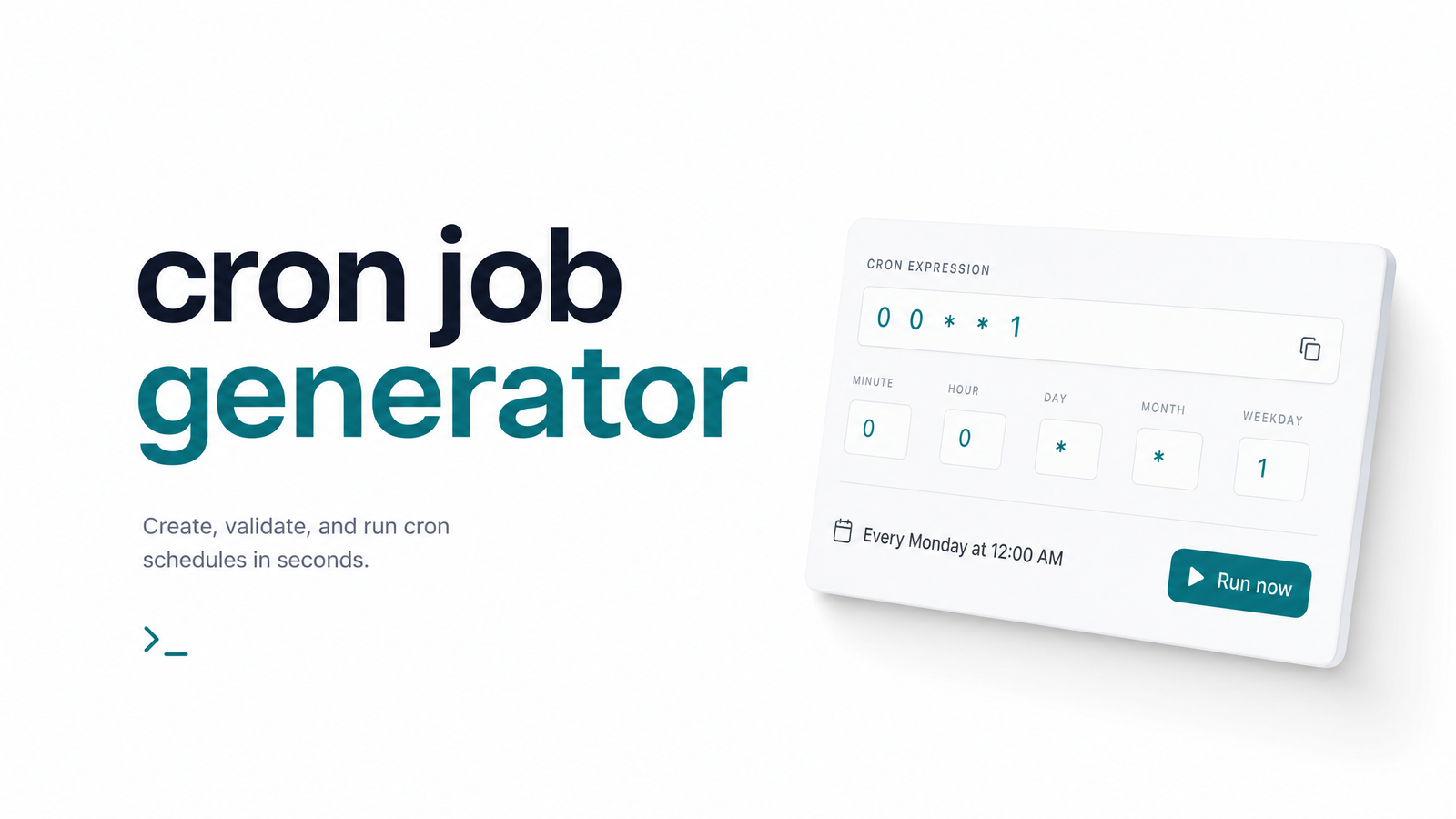
What Is a Cron Job Generator?
A cron job generator turns a plain-language schedule — "every weekday at 9am," "every 5 minutes" — into a valid cron expression, so you never have to hand-write the five-field syntax from memory. Most work through a dropdown or form: pick a frequency and time, and the generator assembles the minute, hour, day, month, and weekday fields for you.
It's worth separating three related tools. A crontab generator builds the expression from scratch based on your inputs. A validator checks an expression you've already written and tells you whether it's syntactically legal. A full syntax reference explains what each field means and how wildcards, ranges, and steps combine. For that field-by-field breakdown, see the Cron Syntax Cheat Sheet: The 5 Fields, Fast. This article sits between those extremes — enough explanation to use a generator correctly, plus the presets and gotchas most generator pages skip.
How to Generate a Cron Expression in 3 Steps
You don't need to memorize field order to produce a working schedule. The process is the same whether you use a UI-based tool or work it out by hand.
- State the recurrence in plain English first. "Every 15 minutes," "daily at midnight," "first of the month" — write down the actual intent before touching syntax. It's easier to spot "I meant weekdays, not every day" in a sentence than in five cryptic fields.
- Map it to the five fields, or let a generator do it. Cron expressions run minute, hour, day-of-month, month, day-of-week. In a generator UI, this is just selecting dropdown values. Writing manually, substitute asterisks for "any value" and numbers or ranges for specifics.
- Validate against a next-run-time preview before deploying. Any decent generator or validator shows the next several execution times in plain language. Confirm they match your intent — this single step catches most scheduling errors before production. For edge cases like
@rebootor vendor-specific dialects, see the Cron Schedule Syntax: The Complete Developer Reference.
Copy-Paste Cron Expression Presets
These are the schedules developers search for most often. Copy the expression, adjust the numbers if needed, and move on.
| Schedule | Cron Expression |
|---|---|
| Every minute | * * * * * |
| Every 5 minutes | */5 * * * * |
| Every 15 minutes | */15 * * * * |
| Every 30 minutes | */30 * * * * |
| Every hour | 0 * * * * |
| Every 6 hours | 0 */6 * * * |
| Every weekday at 9am | 0 9 * * 1-5 |
| Daily at midnight | 0 0 * * * |
| Weekly on Sunday at midnight | 0 0 * * 0 |
| First of every month | 0 0 1 * * |
These examples cover standard five-field crontab syntax. If your platform expects a seconds field — Quartz scheduler and some Java-based schedulers use six fields — prepend a seconds value, e.g., 0 0 9 * * 1-5 for every weekday at 9am. Kubernetes CronJob resources and GitHub Actions schedule triggers both use standard five-field syntax, so a generator built for crontab works for those too. AWS EventBridge rules, by contrast, expect a six-field cron with seconds — always check the target platform's field count before pasting.
What a Generator Won't Catch
A generator guarantees syntactic correctness. It has no idea whether that syntax means what you think it means once deployed — and this is where most "the schedule looked right" incidents start.
Timezone mismatch. A generator has no concept of your server's actual clock. If you build the expression assuming local time but your cron daemon runs on UTC (common on cloud VMs and containers), a 9am schedule fires at whatever 9am UTC translates to locally — often several hours off. Tools like crontab.guru are excellent for previewing next-run times, but they still assume you know which timezone the executing server is on. Always confirm cron timezone assumptions against the actual host, not your laptop.
Daylight saving time shifts. Systems that observe DST can shift a job's real-world execution time twice a year, even though the underlying cron expression never changes. A job scheduled for "6am local" can run at 5am or 7am depending on the season. Servers pinned to UTC avoid this entirely, which is one more reason UTC is the safer default for anything time-sensitive.
Day-of-month vs. day-of-week overlap. When both fields are set to anything other than *, standard cron treats them as OR, not AND — the job runs if either condition is true. An expression like 0 0 1 * 1 doesn't mean "the first Monday of the month," it means "midnight on the 1st, OR every Monday." This is one of the most common silent surprises in generator output, because the syntax is completely valid — it just doesn't do what most people assume.
Overlapping runs. A generator has no idea how long your job takes to execute. If a job scheduled every 5 minutes sometimes takes 7 minutes to finish, you get overlapping executions competing for the same resources — a classic source of duplicate charges, race conditions, or corrupted data. Locking mechanisms like flock on the command, or an internal lock file check inside the job, prevent a new run from starting while a previous one is still active.
A Correct Schedule Doesn't Mean a Working Job
Here's the pivot every developer eventually learns the hard way: a generator only confirms your expression is valid cron syntax. It says nothing about whether the endpoint responds, the server is up, the database connection succeeds, or the job completes without silently erroring out halfway through. Cron doesn't alert you when a job fails — it just doesn't run again until the next scheduled tick, and by default nothing tells you the difference between "ran successfully" and "silently died."
This is the gap no generator, validator, or syntax reference can close. For real examples of jobs that pass every syntax check yet fail in production, read Cron Job Examples & Why They Fail Silently Today. For a structured approach to closing that gap, Cron Job Monitoring: The Framework for Reliable Jobs walks through what proper cron job alerting looks like — and if you're still building foundational context on how cron itself works, start with What Is a Cron? A Plain-English Guide for Developers.
Generating the expression is the easy 10% of running a reliable scheduled job. Knowing whether it actually fired, finished, and succeeded — that's the other 90%, and it's invisible unless you're watching for it. Once you've deployed your generated schedule, Cronevra tells you the moment a run fails, hangs, or goes silent, instead of leaving you to discover it days later.
Frequently Asked Questions
What's the difference between a cron job generator and a cron expression validator?
A generator builds a new expression from plain-language input, like "every weekday at 9am." A validator checks an expression you already wrote and confirms whether its syntax is legal. Many tools combine both functions, but one creates, the other checks.
Can a cron job generator create 6-field or Quartz-style expressions with seconds?
Some can, but not all. Standard crontab uses five fields (minute, hour, day-of-month, month, day-of-week), while Quartz scheduler and platforms like AWS EventBridge expect six fields with seconds prepended. Always confirm which field count your target platform expects before pasting the generated expression.
Do cron job generators account for timezones or daylight saving time?
Generally, no. A generator produces a syntactically correct expression but has no knowledge of the timezone your cron daemon actually runs in, or whether that system observes daylight saving time. You need to verify server timezone settings separately — pinning to UTC avoids DST shifts entirely.
How do I generate a cron expression that runs every weekday at a specific time?
Set the hour and minute fields to your desired time and set the day-of-week field to 1-5 (Monday through Friday), leaving day-of-month and month as *. For 9am, that's 0 9 * * 1-5.
Why does my generated cron expression run twice a day when I only wanted once?
This usually happens when both day-of-month and day-of-week are set to specific values instead of one being left as *. Standard cron treats these two fields as OR logic, not AND, so the job fires whenever either condition matches — often producing extra, unintended runs.
Will a cron generator tell me if my job actually ran successfully?
No — a generator only confirms the expression is valid syntax, not that the job executed, completed, or succeeded. Detecting failed, hung, or silently skipped runs requires execution monitoring, a separate layer from schedule generation entirely.