Cron Job Dependencies: How to Chain Jobs Without Silent
September 30, 2026
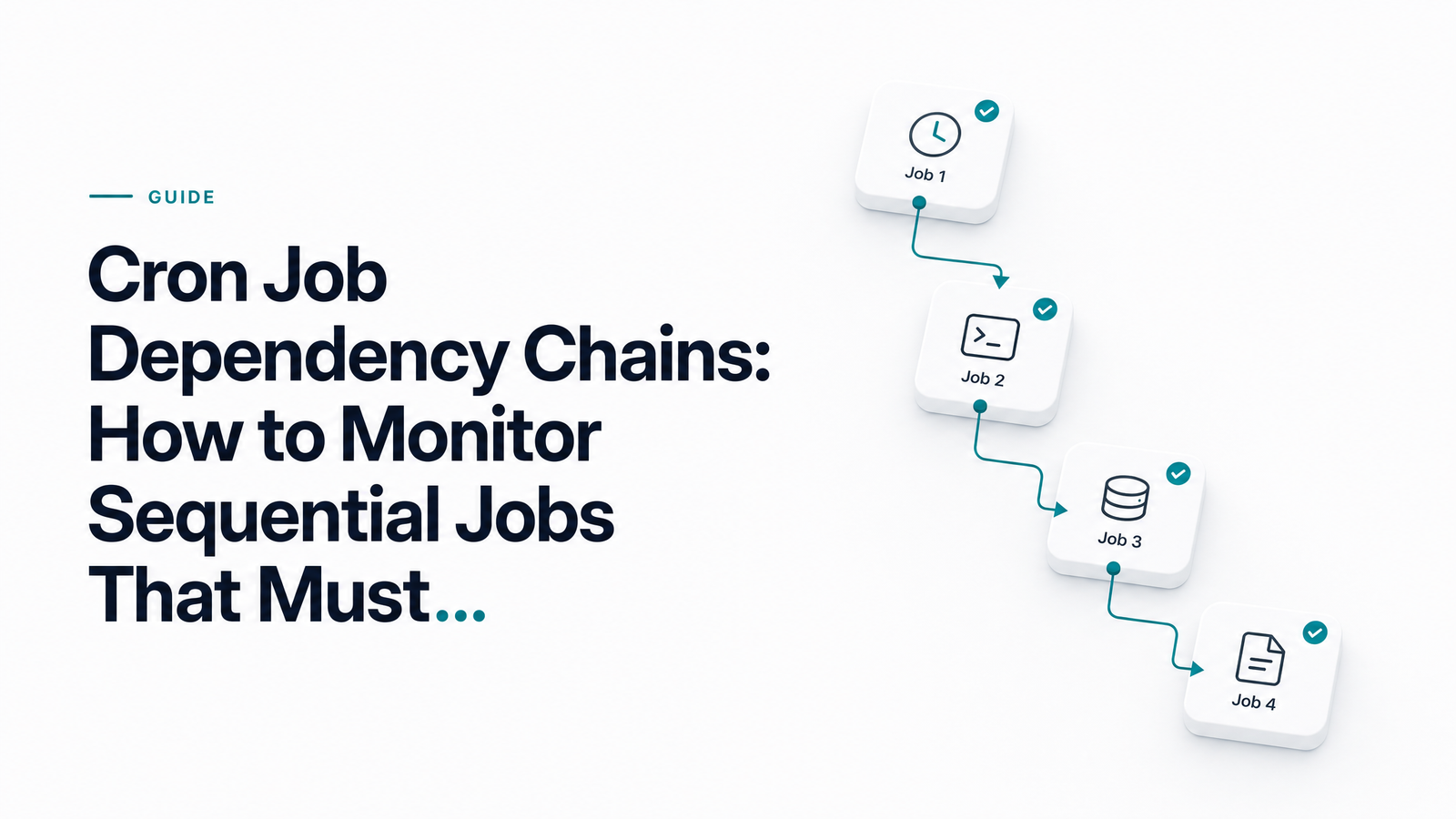
Why Cron Has No Concept of "Job Dependencies"
Cron was built to answer one question: what time is it? It was never built to answer a harder one: did the last thing succeed? That distinction is the root of nearly every cron job dependency problem developers run into.
A crontab entry doesn't know that "backup" needs to finish before "verify" starts, or that "extract" has to succeed before "transform" touches its output. Each line is scheduled independently, with zero awareness of any other line in the file. This is a real cron dependency limitation, not a bug — cron is a timer, not a scheduler in the sense that Airflow or Kubernetes CronJob controllers with orchestration layers are. It has no directed acyclic graph (DAG) of tasks, no shared execution state, and no built-in way to say "run job B only if job A exited cleanly."
That gap is fine for isolated tasks — clearing a temp directory, pinging a health endpoint, rotating logs. It becomes dangerous the moment jobs form a sequence where order and success genuinely matter: extract → transform → load, backup → verify, migrate → warm-cache. Cron will happily fire every step on schedule regardless of what happened one line above it.
The Classic Failure Mode: Job B Runs Even Though Job A Failed
Picture a typical ETL pipeline running as three separate cron entries: extract at 1:00 a.m., transform at 1:15, load at 1:30. One night, the extract job fails 40 seconds in — an API timeout, a credential expiry, whatever. It exits non-zero and stops.
But the transform job doesn't know that. At 1:15 it wakes up, finds whatever partial or stale file extract left behind (or an empty one), and processes it anyway. At 1:30, load pushes that garbage into production. Nobody gets a page, because each job "ran." The only signal that something's wrong is a downstream data quality complaint hours or days later.
This is the essence of cascading cron failures: a cron job failed upstream, and every sequential cron job after it treated stale or missing data as valid input. The failure was silent precisely because cron's monitoring surface — "did the command run" — never captured "was the input trustworthy."
Pattern 1: Chaining Jobs in a Single Script with && and Exit Codes
The simplest fix, when everything runs on one machine, is job chaining inside a single crontab entry using shell exit codes:
0 1 * * * /scripts/extract.sh && /scripts/transform.sh && /scripts/load.sh
The && operator only executes the next command if the previous one exits 0. This is cron exit code dependency in its purest form — no orchestrator, no extra infrastructure, just shell semantics. If extract.sh fails, transform.sh and load.sh never run. Downstream steps stop touching bad data by default, a massive improvement over three independent entries.
But this pattern has real ceilings. It only works within a single script or single machine's process tree — you can't && a job running on a different host or container. And once the chain finishes (or breaks), you get one exit status for the whole line. If load.sh fails, you know the overall job errored, but a monitor watching that one crontab entry can't tell you whether extract, transform, or load was the actual point of failure without digging through logs by hand. You've solved order; you haven't solved visibility.
Pattern 2: Independent Jobs with a Shared State/Lock File
Many pipelines can't live in one script — steps run in different containers, on different schedules, or as separate services entirely. Here, the common approach is a shared completion signal: a marker file, a database flag, or a timestamp that downstream jobs check before doing anything.
A transform job might start by checking whether /var/run/extract.success exists and is newer than its last run, exiting quietly if not. A load job might query a jobs_status table for transform = 'complete' before proceeding. This cron job completion flag pattern decouples jobs across infrastructure while still enforcing sequence.
The risk is staleness. A lock file from three days ago is indistinguishable from one written thirty seconds ago unless you're actively checking timestamps and clearing markers on every run. A cron dependency lock file that never gets cleaned up after a failed run can trick tomorrow's job into thinking today's step already succeeded. Pair this pattern with an expiry check and a deliberate cleanup step in your failure handling.
Monitoring the Whole Chain, Not Just the Last Job
Here's where most teams underinvest. If you only ping a monitoring tool at the very end of the chain, a break at any earlier step is invisible until the whole pipeline visibly stalls or misbehaves. One alert — "load didn't run" — tells you nothing about whether extract, transform, or load itself is the broken link.
The fix is to monitor cron job order at each step, not just the outcome of the last one. Every job pings independently: extract confirms it ran and succeeded, transform confirms the same, load confirms the same. That gives you a distinct signal for "failed" versus "blocked/skipped" — a job that never ran because its upstream dependency failed is a different problem than a job that ran and errored out, and your alerting should say so explicitly rather than lumping both into one vague "something's wrong."
This is exactly the gap Cronevra's HTTP-ping monitoring is built to close. Instead of one monitor watching a black-box pipeline, you set up a monitor per job — extract, transform, load each get their own ping and execution history. When a sequence stalls, you're not guessing; you can see precisely which job stopped checking in, when it last succeeded, and whether the jobs after it correctly stayed silent because they never ran. That's dependency chain alerting that maps to how your pipeline is actually structured, not just whether a cron line fired.
When to Stop Using Cron Chains and Move to an Orchestrator
&& chains and lock files scale further than most teams expect, but they have a ceiling. Once you need fan-out/fan-in (three parallel extracts feeding one transform), per-step retries with different backoff behavior, or conditional branching based on job output, you're pushing shell scripting and cron entries past what they're designed for.
That's the point where cron job orchestration tools like Apache Airflow, Dagster, or Prefect earn their overhead. They model your pipeline as an actual DAG, handle topological sort of dependencies automatically, retry individual nodes without rerunning the whole graph, and give you a real UI over execution state. The cron vs job scheduler decision isn't about which is "better" — it's about whether your dependency graph has outgrown a linear chain. If you've got three or four sequential steps on one or two machines, cron chaining plus solid monitoring is still the pragmatic choice. If you're managing dozens of interdependent tasks with branching logic, it's time to graduate.
Before making that call, it's worth locking down retry behavior and acceptable delay windows for each step — see Cron Job Retry Strategy: Exponential Backoff vs Fixed and Cron Job SLA: A Practical Framework for Scheduled Tasks for frameworks that apply whether you stay with cron or move to a full orchestrator.
Frequently Asked Questions
Can cron jobs depend on each other natively?
No. Cron only triggers commands at scheduled times; it has no concept of one job's success or failure affecting another. Any dependency behavior — waiting, skipping, blocking — has to be built manually through shell chaining, exit codes, or shared state files, since cron itself keeps no record of job outcomes between entries.
What happens if a cron job fails and the next job in the chain still needs to run?
If the jobs are chained independently without a dependency check, the next job runs anyway on schedule, often processing stale, partial, or missing data from the failed step. Without a check like a completion flag or an && exit-code chain, cron has no mechanism to stop that from happening automatically.
How do I make one cron job wait for another to finish?
Either chain the commands in one crontab entry using && so the next command only runs if the previous exits 0, or have the downstream job check a shared state signal — a marker file, database flag, or timestamp — before proceeding. The first approach works on a single machine; the second is needed when jobs run on separate hosts or containers.
Is a lock file or flag file reliable for cron job dependencies?
It's reliable only if you actively manage staleness and cleanup. A flag file left over from a failed previous run can falsely signal "complete" to tomorrow's job, so pair the pattern with timestamp checks and explicit cleanup on failure paths, not just on success.
Should I switch from cron chains to Airflow for dependent jobs?
Only once your dependencies outgrow a simple linear sequence — think fan-out/fan-in, parallel branches, or per-step retry logic. For three or four sequential steps, cron chaining with solid monitoring is usually still the more pragmatic, lower-overhead choice.
How do I get alerted on which specific job in a chain failed?
Monitor each job in the chain separately rather than pinging only at the end of the pipeline. With per-step monitors, you get distinct signals for a job that actually failed versus one that was correctly skipped because its upstream dependency didn't succeed, so you can pinpoint the broken link immediately instead of debugging a vague end-to-end alert.
Set up a separate monitor for every job in your chain — not just the last one — and Cronevra will show you exactly which link broke instead of leaving you to guess from a single end-to-end alert. Check Pricing if you're ready to monitor multiple chained jobs, or start at Cronevra.