Cron Job Retry Strategy: Exponential Backoff vs Fixed
September 26, 2026
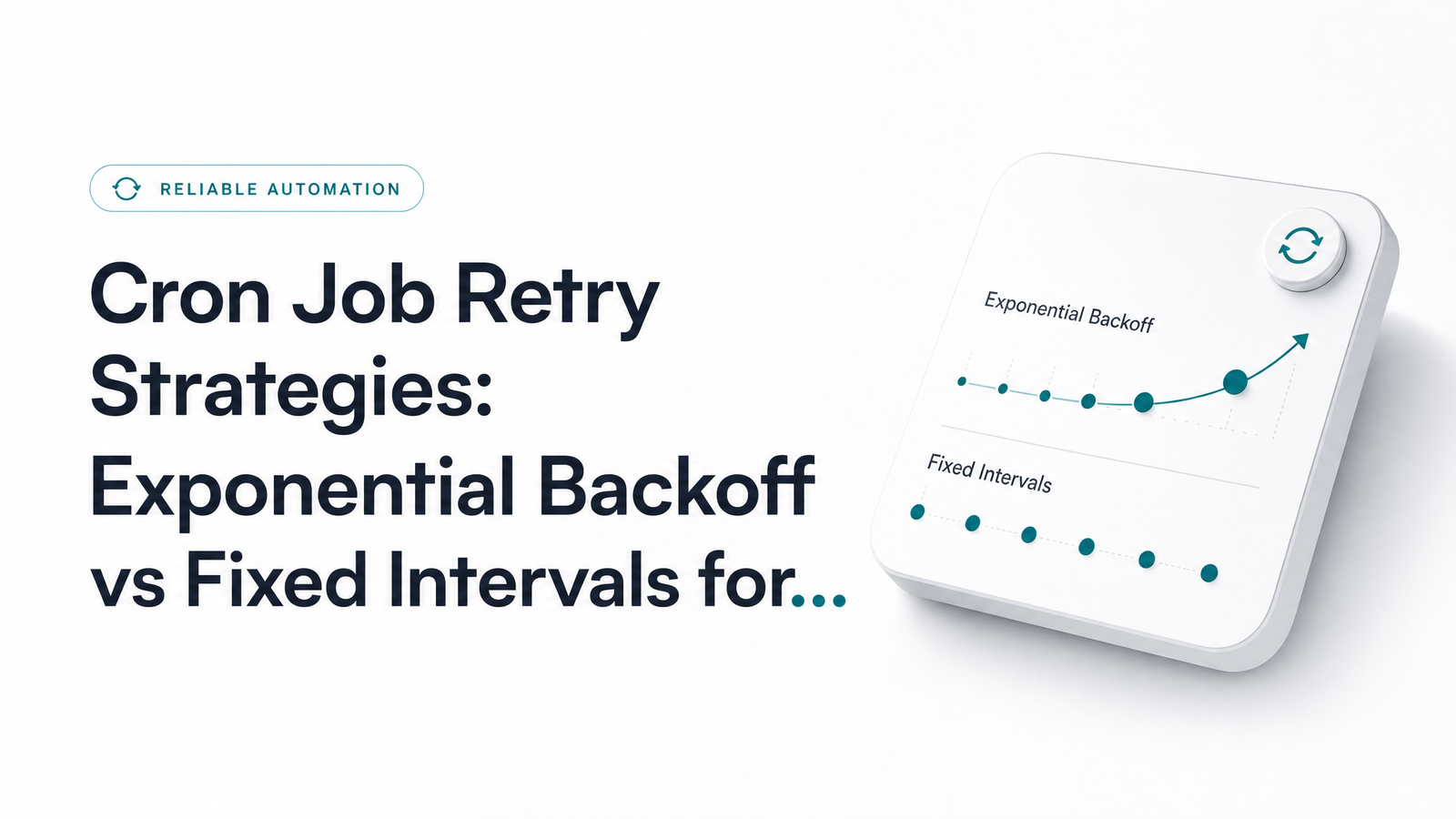
Most advice on retrying failed requests is written for API clients — an SDK deciding whether to resend a call while a user waits on a spinner. A cron job retry strategy solves a different problem: nobody is waiting, but the clock is. Your job has a fixed next run time, and if retries are still running when that next execution fires, you get overlapping jobs, duplicated work, and a debugging session nobody enjoys.
Why Cron Retries Aren't Like API Client Retries
An API client retries inside the lifespan of a single request-response cycle. A cron job differs on three counts. First, no caller is blocking on the result — a failure at 2:00 a.m. can sit unnoticed until someone downstream complains. Second, the schedule is a constraint: if your job runs every 15 minutes and your retry logic takes 20 minutes to give up, you're now running two instances concurrently. Third, when a downstream API goes down, it's often not one client retrying — it's every scheduled instance of your job (and everyone else's) retrying at once, turning a blip into a thundering herd problem.
So retrying failed HTTP requests from a cron job isn't just about picking a delay curve — it's deciding how that retry window interacts with your schedule, and how it behaves when hundreds of other clients are hammering the same endpoint at once.
Fixed Interval Retries: How They Work and When They're Enough
A fixed interval retry waits the same amount of time between each attempt — say, 30 seconds, three times. The appeal is simplicity: no formula, no cap, no jitter calculation, just a loop and a sleep.
Fixed-interval retry logic is genuinely the right call in a narrow set of situations: internal services with low concurrency, where only one job instance is likely retrying at a time; outages that are typically short and self-resolving (a transient network blip, a container restart); and jobs where the downstream system has no rate limiting to worry about. If you're pinging an internal health endpoint on your own infrastructure, fixed intervals are often all you need.
Where it breaks down is scale. If ten instances of the same job all hit a struggling API and retry every 30 seconds in lockstep, you've created a synchronized retry storm worse than no retries at all.
Exponential Backoff (with Jitter): How It Works and When to Use It
Exponential backoff increases the wait time after each failed attempt — typically doubling it, up to a cap. The classic formula, per the AWS Well-Architected Framework, is delay = min(cap, base * 2^attempt). Without adjustment, this still has a flaw: if every failing client backs off on the same schedule, they all retry in sync anyway.
That's where jitter comes in. The AWS Architecture Blog's full jitter algorithm randomizes the delay instead of using a fixed exponential value: delay = random(0, min(cap, base * 2^attempt)). This spreads retries across a window rather than a single instant — precisely how you avoid a thundering herd. AWS SDKs implement this formula in production — the SDK retry behavior documentation gives it as a drop-in reference you can adapt into a cron retry function.
Use exponential backoff with jitter whenever your job calls a shared or rate-limited API (payment processors, third-party SaaS, anything returning 429), when multiple instances of your job or others might hit the same dependency concurrently, or when the downstream service is prone to real outages rather than momentary blips. If the response includes a Retry-After header, honor it directly instead of computing your own delay — the server is telling you exactly how long to wait, and ignoring that is how you get rate-limited further.
Side-by-Side: Choosing the Right Strategy
The exponential backoff vs fixed interval decision comes down to four questions. What kind of downstream API are you calling — shared and rate-limited, or something you fully control? How many concurrent job instances might be retrying at once — one, or dozens? How critical is the job — does a silent multi-minute delay matter, or is a fast, bounded failure acceptable? And how does each strategy behave mid-outage — fixed intervals keep hammering at a constant rate, potentially prolonging an outage, while backoff naturally throttles pressure as failures continue.
Rule of thumb: fixed intervals for low-concurrency, self-controlled, short-outage scenarios; exponential backoff with jitter for anything talking to a shared external API or running at meaningful scale. When in doubt, default to backoff — the downside of unnecessary jitter is negligible, while the downside of a retry storm against a real outage is not.
Idempotency: The Retry Prerequisite Most Cron Jobs Skip
Retrying a GET request is safe by nature — you're just asking again. Retrying a POST that charges a card, creates a record, or triggers a webhook is not, and this matters more for cron jobs than user-facing API calls, because no human is watching for a duplicate charge or doubled record in real time. A job that silently retries a failed webhook call three times, unaware the first attempt actually succeeded downstream, can create three side effects instead of one.
Idempotent cron retries solve this the same way Stripe recommends for its API: attach a unique idempotency key to each logical job run, not each retry attempt, so the receiving system can recognize a repeat and return the original result instead of processing it again. Stripe's idempotent requests documentation is the reference implementation — generate the key once per scheduled execution (a UUID tied to that run's timestamp works well), pass it on every retry of that same execution, and let server-side deduplication do the rest.
Setting Sane Defaults: Max Attempts, Caps, and Deadlines
For most scheduled HTTP jobs, reasonable defaults are: 3–5 max attempts, a 1–2 second base delay, a cap around 30–60 seconds, and — critically — a total retry deadline shorter than your schedule interval. A cron job retry with backoff example for a job running every 15 minutes might use base 2s, cap 30s, 4 attempts, full jitter, with a hard deadline of 8 minutes — leaving margin before the next scheduled run fires. If your retries can't resolve within that deadline, stop retrying and escalate rather than risk overlap.
When Retries Run Out: Don't Let the Job Fail Silently
Retries are a mitigation layer, not a fix. A job that exhausts 4 or 5 attempts and still fails hasn't resolved anything — it's identified a real problem that needs a human, not another retry loop. If the root cause is unclear, start with what the job's logs are actually telling you before assuming it's transient.
This is the layer most cron setups are missing: something watching for the moment retries are exhausted and the job has genuinely failed. Cronevra tracks execution history and failure patterns across your scheduled jobs, and can be paired with a push-based health check ping fired only on final failure — so you find out the moment a job needs attention, instead of when a downstream system breaks because it didn't.
Frequently Asked Questions
How many times should a cron job retry before giving up?
Three to five attempts is a reasonable default for most scheduled HTTP jobs. The exact number should leave enough time within a total deadline shorter than your schedule interval — retrying indefinitely risks colliding with the next run.
Is exponential backoff always better than a fixed retry interval?
No. Fixed intervals work fine for low-concurrency, internal jobs with short, predictable outages, where added complexity buys nothing. Exponential backoff with jitter is preferable once you're calling a shared or rate-limited API, or when many job instances might retry concurrently.
What happens if a cron job's retries overlap with its next scheduled run?
You end up with two instances of the same job running simultaneously, which can duplicate writes, double-send webhooks, or corrupt shared state. Preventing this means setting a retry deadline shorter than your schedule interval, or using a lock to skip a run if the previous one is still retrying.
Do I need idempotency keys if my cron job only makes GET requests?
No — GET requests are read-only and safe to retry without side effects. Idempotency keys matter for POST, PUT, or webhook-triggering calls that create records, charge payments, or notify other systems.
What's the difference between jitter and exponential backoff?
Exponential backoff increases the wait time between each retry attempt, typically by doubling it up to a cap. Jitter adds randomness to that delay so that many clients failing at the same time don't retry in perfect sync, which is what actually prevents a thundering herd.
Should retry logic live inside the job itself or in an external scheduler/wrapper?
Either works, but keeping retry logic inside the job gives you tighter control over deadlines relative to the next scheduled run. An external wrapper or scheduler can work too, provided it's aware of your cron interval so retries never bleed into the next execution.