What Is a Cron Expression? Syntax, Fields & Examples
September 21, 2026
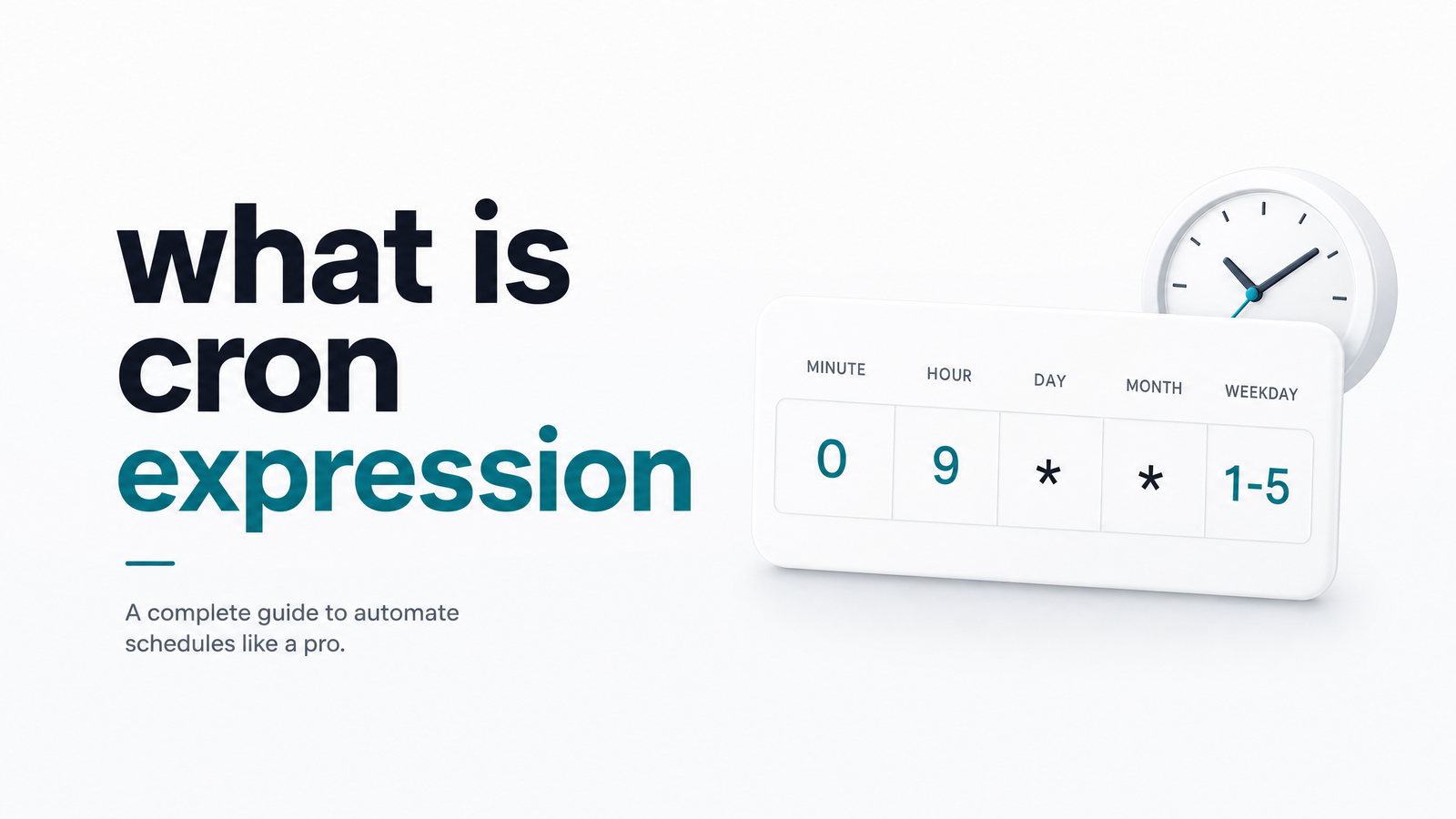
What Is a Cron Expression?
A cron expression is the short string of fields — something like 0 3 * * * — that tells a scheduler exactly when to run a task. That's the cron expression definition in full: five (sometimes more) space-separated fields, each controlling a unit of time, read together as a single schedule.
The expression is just the timing rule; the job is the actual script or HTTP request that fires when the rule matches. For the broader picture of how the scheduler, expression, and executed task fit together, see Cron Job Explained: What It Is in Plain English. Here, we're staying focused on the expression itself — what it's made of, how to read one, and where it trips people up.
The 5 Fields of a Standard Cron Expression
Standard crontab syntax uses five fields, always in this order, separated by spaces. Understanding the cron expression syntax means knowing what each position controls and what values it accepts:
| Position | Field | Allowed values |
|---|---|---|
| 1 | Minute | 0–59 |
| 2 | Hour | 0–23 |
| 3 | Day of month | 1–31 |
| 4 | Month | 1–12 |
| 5 | Day of week | 0–6 (0 = Sunday) |
Every cron expression fields question comes back to this order: minute, hour, day-of-month, month, day-of-week. Miscount the fields and you'll schedule the wrong thing entirely — a common bug when copying an expression from one tool to another without checking the field count first.
Special Characters You'll Actually Use
Four symbols cover the vast majority of real-world cron expressions:
- Asterisk (
*) — means "every value in this field."* * * * *runs every single minute. - Comma (
,) — lists specific values.0 9,17 * * *runs at 9:00 and 17:00 every day. - Hyphen (
-) — defines a range.0 9-17 * * *runs on the hour, every hour from 9 through 17. - Slash (
/) — sets a step interval.*/15 * * * *runs every 15 minutes.
That covers cron expression comma hyphen slash usage for nearly everything you'll encounter day to day. Rarer characters like L, W, and # exist for edge cases (last day of month, nearest weekday, nth weekday) but they're implementation-specific and not part of standard crontab — worth knowing exist, not worth memorizing today.
Cron Expression Examples (Simple to Tricky)
Reading real cron expression examples, from trivial to genuinely confusing, is the fastest way to internalize the syntax.
1. Every minute: * * * * * — no restrictions on any field, so it fires 1,440 times a day.
2. Every 5 minutes: */5 * * * * — a classic cron expression every 5 minutes pattern, using the step character on the minute field only.
3. Once daily at 3 AM: 0 3 * * * — minute 0, hour 3, every day of every month, any day of week.
4. Weekdays at 9 AM: 0 9 * * 1-5 — a range on day-of-week (Monday through Friday), useful for business-hours jobs that shouldn't fire on weekends.
5. First day of every month at midnight: 0 0 1 * * — day-of-month locked to 1, everything else open.
6. The gotcha — day-of-month and day-of-week both set: 0 0 15 * 1 looks like it should mean "the 15th, if it's a Monday." It doesn't. Standard cron treats day-of-month and day-of-week as OR logic, not AND. This job runs on the 15th of every month and every Monday — whichever condition is true. This quirk is one of the most common sources of "why did this run twice" tickets in production. If you genuinely need "15th AND Monday," you need application-level logic checking the date, because crontab syntax alone can't express it.
Where Cron Expression Syntax Differs (Quartz, Kubernetes, AWS)
Not every scheduler sticks to five fields. Quartz (used in many Java schedulers) and AWS EventBridge both use six or seven fields, adding a seconds field at the front and, for Quartz, an optional year field at the end. So a cron expression 6 fields format like 0 0/5 * * * ? isn't broken — it's Quartz syntax, not standard crontab.
The ? character is another Quartz-specific detail: it means "no specific value" and is used in either the day-of-month or day-of-week field to sidestep the OR-logic ambiguity described above — Quartz requires exactly one of those two fields to be ? at all times.
Kubernetes CronJobs and GitHub Actions, by contrast, stick to the standard five-field format, though scheduling behavior around time zones and cluster clock drift can still vary. If you're moving an expression between platforms, don't assume it will paste in unchanged — a broader comparison of these differences across crontab, Kubernetes, GitHub Actions, and AWS is covered in Cron Expression Syntax Explained: A Visual Guide with Examples, and the OR-logic mechanics behind day-of-month/day-of-week are detailed further in Cron Expressions Explained - Complete Guide with Examples.
A Correct Cron Expression Doesn't Mean a Reliable Job
Getting the syntax right only guarantees when your scheduler attempts to run a job — it says nothing about whether that job succeeds. A perfectly valid 0 3 * * * will still fire on a server that's out of memory, hit an API that's timing out, or trigger a script that throws an unhandled exception three seconds in. The crontab file has no concept of success or failure; it just fires and moves on.
That gap is exactly what causes cron job silent failure — the job runs on schedule, fails quietly, and nobody notices until a downstream report is missing or a customer complains. Cron job monitoring exists to close that gap by watching execution history and alerting you the moment a run doesn't check in as expected. For a deeper look at why "set it and forget it" scheduling breaks down in practice, read Scheduled Cron Job: Why "Set and Forget" Fails.
A valid cron expression guarantees timing, not success. A job can run precisely on schedule and still fail, hang, or never fire at all because of a dead server, a network blip, or a silent crash — and nothing in your crontab file will tell you that happened. Cronevra watches your scheduled HTTP jobs and alerts you the moment one goes missing or fails, so you find out from a notification instead of an angry customer. Check the pricing page to see how quickly you can get monitoring running on your existing jobs.
Frequently Asked Questions
What does the asterisk (*) mean in a cron expression?
The asterisk means "every value is allowed" for that field. In * * * * *, every field is unrestricted, so the job runs every single minute of every hour, day, month, and day of week.
How do I write a cron expression that runs every 15 minutes?
Use */15 * * * *. The slash creates a step value, so the minute field fires at 0, 15, 30, and 45 past every hour.
What's the difference between a cron expression and a cron job?
A cron expression is the timing rule (the five-field string) that defines when something should run. A cron job is the actual scheduled task — the script or HTTP request — that the scheduler executes when the expression matches the current time.
Why does my cron job run on both a specific date and every week when I set day-of-month and day-of-week?
Standard crontab treats day-of-month and day-of-week as OR conditions, not AND. If both fields are restricted, the job runs whenever either condition is true, which usually means it fires more often than intended — on the specified date and on the specified weekday, every week.
Can I test a cron expression before using it?
Yes, and you should, especially for anything beyond a simple daily schedule. Most online cron parsers and scheduler dashboards will show you the next several run times for a given expression, letting you catch OR-logic surprises or field-order mistakes before they hit production.
Do all schedulers (Kubernetes, GitHub Actions, AWS) use the same cron syntax?
No. Kubernetes CronJobs and GitHub Actions use the standard five-field format, but AWS EventBridge and Quartz-based schedulers add a seconds field (and sometimes a year field), producing six- or seven-field expressions with different rules, including the ? wildcard for day-of-month/day-of-week.