Crontab Management: A Practical Framework at Scale
August 17, 2026
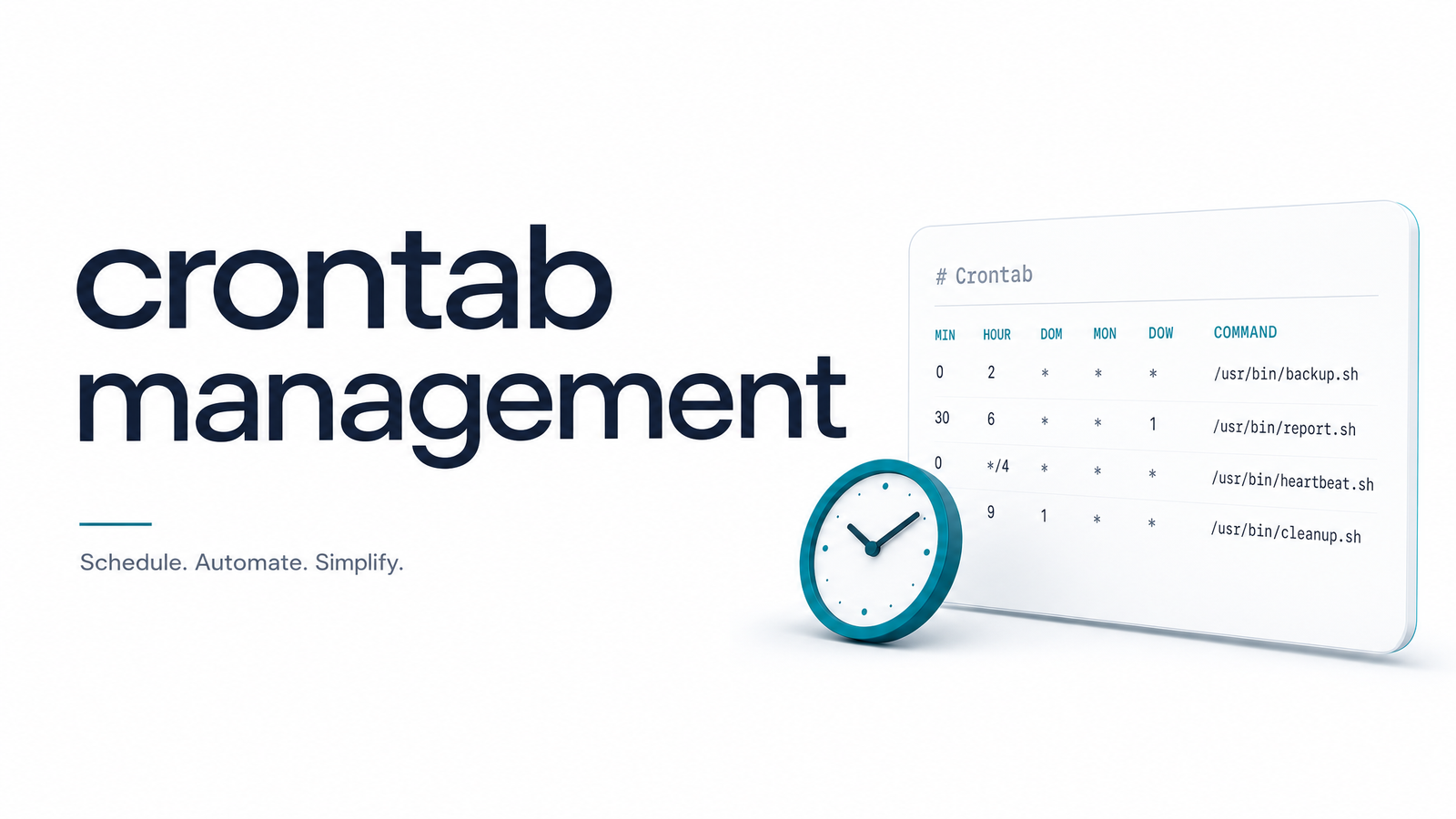
Why Crontab Management Becomes a Real Problem (Not Just Syntax)
Cron syntax takes ten minutes to learn. Crontab management takes years to get wrong, quietly, one job at a time.
Nobody sets out to build an unmanageable crontab. It starts with three jobs: a backup, a cache clear, a report. Six months later there are eighteen entries, half added by people who've since left the team, and nobody's sure what two of them do. That's the actual problem here — not * * * * * versus 0 0 * * *, but what happens when a crontab has to survive growth, turnover, and time.
The failure mode is always the same shape: no ownership, no documentation, no audit trail. A job breaks and three people spend an afternoon figuring out which cron entry is responsible before anyone can start debugging. Manage crontab entries reactively long enough, and the crontab stops being infrastructure — it becomes an archaeology site. What follows is a concrete system for avoiding that, plus the one gap even a well-run system can't close on its own.
Structuring Your Crontab So It Scales
The single biggest lever in crontab management is refusing to let one flat file grow indefinitely. Once you're past five or six jobs, split by function using cron.d: one file for backups, one for reporting, one for cleanup, each owned conceptually by the system it serves. This turns a wall of cron syntax into a set of files a new engineer can navigate by name alone.
A few rules make this hold up over time:
- Order entries predictably — group by frequency or by system, not by the date they happened to be added.
- Name scripts descriptively, not
run.shorjob2.sh. A script calledrotate-billing-exports.shtells you what broke before you've opened a log. - Keep logic out of the crontab line. The entry should call a script, not embed a chain of pipes and conditionals. Inline logic is unreadable in
crontab -loutput and impossible to unit test. - Document intent at the top of each script — a two-line comment on what it does, why it exists, and who owns it saves the next person a half-day of guessing.
For teams managing jobs across environments — dev, staging, several production hosts — this structure also makes auditing dramatically easier. If you're inheriting a crontab you didn't build, start by inventorying what's actually running before you reorganize anything; this guide to viewing cron jobs across contexts and the full command reference for listing crontab entries cover the mechanics of crontab -l, -e, and -r in more depth than we need here.
Preventing Overlaps and Stale Locks
Organizing cron jobs solves discoverability. It doesn't solve concurrency, and unmanaged overlap is where crontabs cause real incidents — a report job that takes eleven minutes running into its own next scheduled start, a data-import job double-running and inserting duplicate rows.
This is where flock earns its place as a management discipline, not just a syntax trick. Wrapping a job's command with flock -n /tmp/job.lock command ensures a second invocation exits immediately instead of running concurrently with the first. The management question isn't "do I know flock syntax" — it's whether locking is a standard part of every job template, so nobody has to remember to add it after the second incident.
Stale locks are the other half of this. If a job crashes hard and leaves a lock file behind, every future run silently no-ops forever, and you won't notice until something that was supposed to happen for two weeks didn't. Overlap and stale locks are two sides of the same failure — the mitigation is consistent locking convention plus periodic verification that lock files aren't outliving their jobs. Confirming a job is actually executing on schedule, not just silently locked out, is exactly what a proper cron verification pass is for.
Logging and Auditing Without the Noise
Inconsistent logging is one of the fastest ways a crontab becomes unmanageable. Some jobs log everything to stdout and vanish into /var/log; others log nothing, so a failure leaves no trace.
The fix is a lightweight, enforced convention rather than a heavyweight logging system: every job writes to a predictable path (/var/log/cron/), every log gets rotated via logrotate so nothing fills a disk, and every script logs at minimum a start line, an end line, and an exit status. That's enough structure to make crontab logging genuinely auditable without drowning maintainers in noise. We won't re-cover rotation configuration or log parsing here — that's dedicated ground for its own article — but the convention itself is a management decision, and it's one you should make before job count fifteen, not after.
Putting Crontabs Under Version Control
Hand-editing production crontabs with crontab -e is how bad changes become untraceable. There's no diff, no author, no commit message — just a job that behaved differently starting on some unremembered Tuesday.
Crontab version control fixes this by treating schedules as code: store crontab files in git, review changes via pull request like any other config change, and deploy them with the same rigor as application code. Configuration management tools — Ansible, Chef, Puppet — are built for exactly this, pushing a known-good crontab state to every host and eliminating drift between what's documented and what's actually running. This matters even more once you manage cron jobs across multiple servers, where undocumented, unsynced edits on individual boxes are the single most common cause of "it works on server A but not B." Some teams migrate high-value jobs to systemd timers for this reason — better native logging via journald — but the version-control discipline matters regardless of which scheduler runs the job.
The Blind Spot: Managed Doesn't Mean Monitored
Here's the part that structure, locking, logging, and version control don't touch: none of it tells you whether a job actually succeeded.
A crontab can be flawlessly organized, every job locked against overlap, every change reviewed in git, every log rotated on schedule — and a job can still fail silently. The script throws an exception before it logs anything. An API it depends on returns malformed data instead of an error. The job "runs" in the sense that cron invoked it, exits with status 0 out of habit, and nobody downstream notices the output was garbage until a customer does. This is silent cron failure, and it's structurally invisible to everything covered above, because all of those practices manage the schedule, not the outcome.
Basic healthchecks close part of this gap by pinging when a job starts and finishes — but they have real limits, especially around partial failures and jobs that complete without doing their actual work; this breakdown of healthchecks for cron jobs covers exactly where that approach stops being enough. Cron job monitoring needs to verify outcome, not just occurrence.
Good crontab discipline gets you a schedule you can trust and changes you can trace. It doesn't get you proof of success. That's a separate layer, and it's the one most teams skip until a silent failure costs them data or a customer.
Naming conventions, locking, logging, and version control tell you a job is scheduled correctly. They don't tell you it worked. Cronevra is built to close exactly that gap — tracking execution history, flagging failures and missed runs, and alerting your team before a silent failure becomes an incident. If your crontab is already well-organized and you want the layer that confirms it's actually doing its job, check the pricing and see how it fits.
Frequently Asked Questions
What's the difference between managing a crontab and just writing cron syntax?
Cron syntax is the six fields that define when a job runs; crontab management is everything that keeps those jobs maintainable over months and years — structure, naming, documentation, locking, logging, and version control. Syntax is a one-time skill; management is an ongoing discipline that determines whether a crontab stays readable as it grows from three jobs to thirty.
Should I keep all my cron jobs in one crontab file or split them up?
Split them once you're past five or six jobs. Using cron.d files grouped by function (backups, reports, cleanup) keeps each file small and scoped, making it far easier for a new maintainer to find and understand a specific job than scrolling through one long crontab.
How do I stop cron jobs from overlapping or running twice?
Wrap each job's command with flock so a second invocation exits immediately if the first is still running, rather than starting a concurrent, conflicting copy. Make this standard in every job template rather than an afterthought, and periodically check for stale lock files left behind by crashed jobs, since those can silently block all future runs.
What's the best way to track changes to a crontab over time?
Store crontab files in git and deploy them through configuration management tools like Ansible, Chef, or Puppet instead of editing them by hand with crontab -e on individual servers. This gives every change an author, a diff, and a reviewable history, so a bad edit can be traced and rolled back instead of investigated from scratch.
How many cron jobs is too many to manage by hand?
There's no fixed number, but most teams start feeling pain somewhere between ten and twenty jobs, especially across multiple servers. That's typically when undocumented jobs, inconsistent logging, and untracked changes start costing real debugging time — the signal to introduce structure, not the job count itself.
Does good crontab management mean my jobs won't fail?
No — good management means jobs are scheduled correctly, don't overlap, and have a traceable history, but none of that confirms a job's output was actually correct. A script can run on schedule, exit with status 0, and still fail silently if it errors before logging or produces bad data; that gap requires execution monitoring, not just management discipline.