Cron Job Org Console: What It Means & Why Teams Outgrow It
September 12, 2026
What Does "Cron Job Org Console" Actually Mean?
Most people typing "cron job org console" into a search bar want one specific thing: the cron-job.org Console, the web dashboard where you log in, create scheduled HTTP jobs, and check whether they ran. We'll answer that directly below.
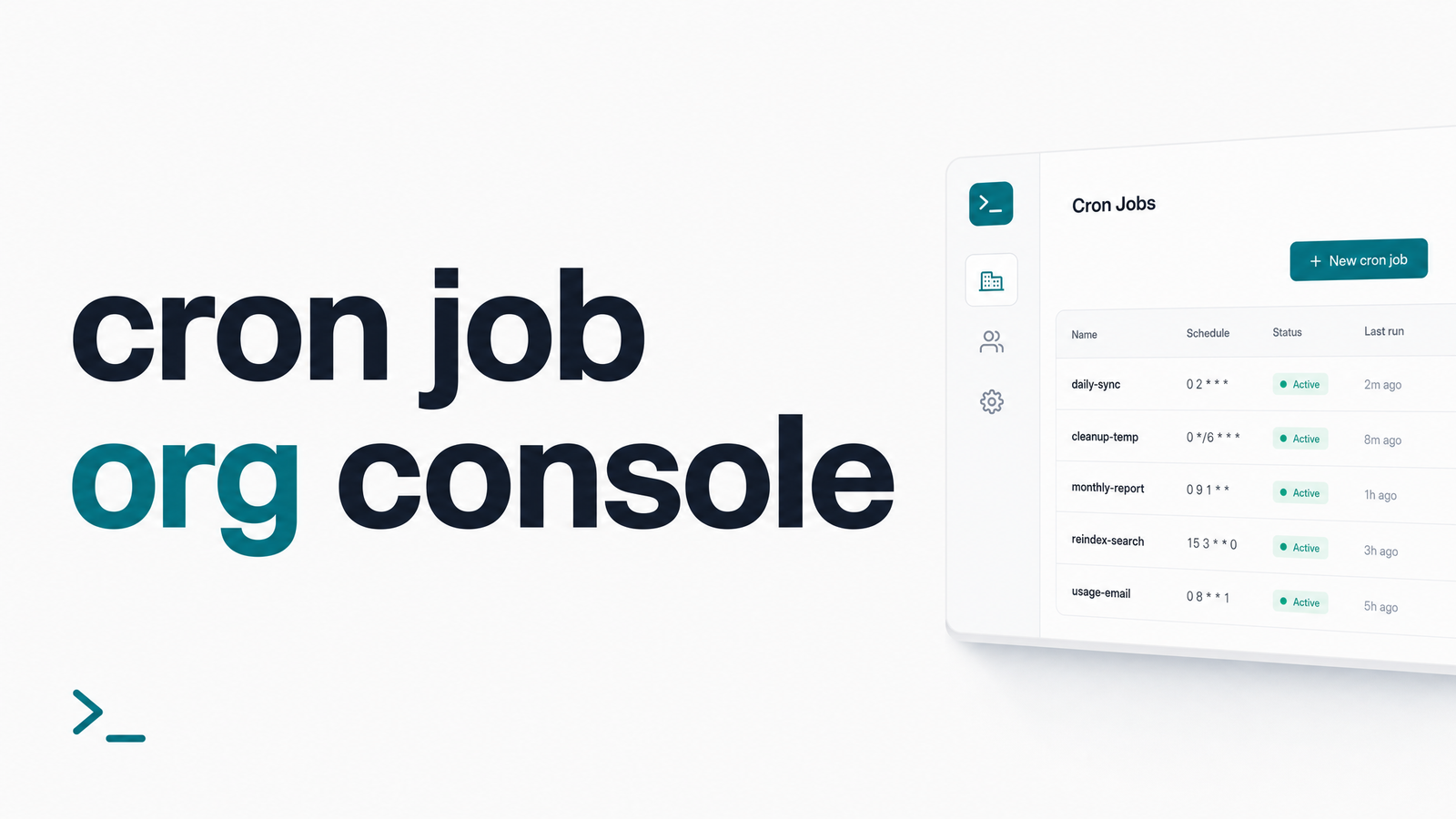
But there's a second, broader meaning — an organization-level console: a shared place where every engineer on a team can see every scheduled job, regardless of who created it or which server it runs on. That's not a feature cron-job.org's console was built to provide, and it's the gap most technical teams eventually run into. The fix for one isn't the fix for the other.
Inside the cron-job.org Console: What It Offers
The cron-job.org dashboard is a solid, free-to-start tool for scheduling HTTP-based cron jobs without maintaining your own crontab on a server. Inside the console you can create and edit jobs (URL, schedule, HTTP method, headers), review execution history to confirm a job fired and what response code it got, generate cron job API keys for programmatic management, set up basic status pages, and configure failure notifications. The REST API documentation covers how API keys and IP restrictions are managed, which matters if you're automating job creation or locking down access.
For a solo developer or a single side project, this is genuinely enough — it answers "did my job run" without asking you to stand up your own monitoring stack. If all you need is a quick answer for one job, our guide on how to check cron job status walks through that specific case.
Where a Single Login Console Breaks Down for Teams
The trouble starts the moment a second person needs access. cron-job.org's console, like most personal cron dashboards, is built around one account. Teams typically solve this by sharing a login and password across everyone who needs to touch a job — which quietly creates several problems at once.
There's no role separation: everyone who can view a job's status can also edit or delete it, whether they should or not. There's no cross-project view: if your team runs jobs across cron-job.org, a few crontabs on EC2 boxes, and a Kubernetes CronJob or two, nobody has a single screen showing all of it — just fragmented, shared cron job access scattered across tools. And there's no ownership trail: when a job fails silently at 2 a.m. and the person who originally configured it is on vacation, nobody knows who's supposed to respond, because the console was never designed to track accountability, only execution.
This is the practical difference between a login screen and real cron job visibility for teams. A team cron job dashboard needs to answer "who owns this, who gets paged, and where else are we running jobs" — questions a personal console was never asked to solve.
What a True Org-Level Cron Console Needs
If you're evaluating whether your current setup can be stretched to fit a team, or whether you need something built for it, look for these capabilities:
- RBAC cron monitoring — role-based access control so viewers, editors, and admins have appropriately scoped permissions instead of one shared password.
- Audit trail for cron jobs — a record of who created, edited, paused, or deleted a job, and when, so accountability doesn't depend on memory.
- Multi-project cron dashboard — one view spanning jobs across different servers, platforms, or accounts, instead of logging into three separate consoles.
- On-call escalation — failure alerts that route to a specific person or rotation, not a shared inbox everyone assumes someone else is watching.
- API keys with scoped access — credentials tied to individuals or services rather than one key everyone copies around.
This checklist mirrors how tools across the monitoring space frame the problem: Better Stack's rundown of cron monitoring tools highlights on-call rotation and incident timelines as team essentials, and platforms like Krons24 talk about centralized scheduling with RBAC and multi-workspace organization for exactly this reason. Cronitor and Healthchecks.io occupy similar territory — the common thread is that org-grade monitoring is a different product category than a personal job editor, not just a bigger version of one. For broader context on where cron-specific monitoring fits alongside logging, uptime checks, and alerting, our map of DevOps monitoring tools is a useful next read.
How Cronevra Fills the Org Console Gap
Cronevra is built for the second meaning of "org console" — org-wide cron job monitoring that gives every engineer shared visibility instead of a personal login. The Cronevra dashboard centralizes job status across projects and servers, so instead of piecing together fragments from cron-job.org accounts, crontabs, and cloud schedulers, your team sees one shared cron job dashboard.
The core promise is that jobs never fail silently: when a scheduled task misses its expected run or returns an unexpected result, Cronevra alerts the right person, not just whoever happens to be logged in at the time. That means recovery alerts tied to ownership, not guesswork, and a centralized cron job console for organizations that scales as your team and job count grow — whether that's five jobs or five hundred.
Cronevra doesn't require you to abandon your existing setup. It's designed to sit alongside cron-job.org, crontab, or scheduler-native jobs, pinging in and reporting up rather than replacing your scheduling layer outright. If your team is currently fighting login and access issues on other consoles, our pieces on health check login access, keys, and 2FA and fixing healthcheck login problems cover related access headaches worth ruling out first.
Details on plans and limits are on the Cronevra pricing page, and the Cronevra homepage lays out the full picture of how org-wide monitoring works in practice.
Frequently Asked Questions
What is the cron-job.org console actually used for?
It's used to schedule and manage HTTP-based cron jobs without running your own server-side crontab. Inside it you create jobs, set schedules, review execution history, generate API keys, and configure basic failure notifications — all from a single web login.
Is the cron-job.org console built for teams, or just individual users?
It's built primarily for individual users. There's no built-in role separation or multi-user access model, so teams end up sharing one login and API key, which creates security and accountability gaps as more people and jobs are added.
What's the difference between a cron job console and a cron monitoring dashboard?
A cron job console focuses on scheduling and editing jobs — creating, pausing, and configuring them. A cron monitoring dashboard focuses on tracking outcomes across many jobs and sources, alerting on failures, and assigning ownership so nothing fails silently.
Can multiple teammates share access to the same cron job console safely?
Not reliably with a single shared login — that setup removes any record of who changed what and gives everyone the same permissions. Safe multi-user access requires RBAC, individual credentials, and an audit trail, which is what an org-level console adds.
How do you get alerted when a cron job fails silently somewhere across the whole organization?
You need a centralized console that ingests status from every job across servers and platforms, then routes failure alerts to a specific owner or on-call rotation. Cronevra is built for exactly this: shared visibility plus recovery alerts, so a failure doesn't depend on someone happening to check a dashboard.
Does using Cronevra mean giving up cron-job.org or crontab entirely?
No, Cronevra is designed to work alongside existing setups rather than replace them. Jobs can keep running on cron-job.org, crontab, or cloud schedulers while Cronevra adds the org-wide visibility, ownership, and alerting layer on top.
If your team is running more than one scheduled job — or has more than one person who needs to see whether jobs succeeded — a single login console isn't enough. Cronevra is the console you add once your team outgrows a single login, with a shared dashboard and pricing built for exactly that transition.