Status Examples for Cron Jobs: Every State Explained
September 4, 2026
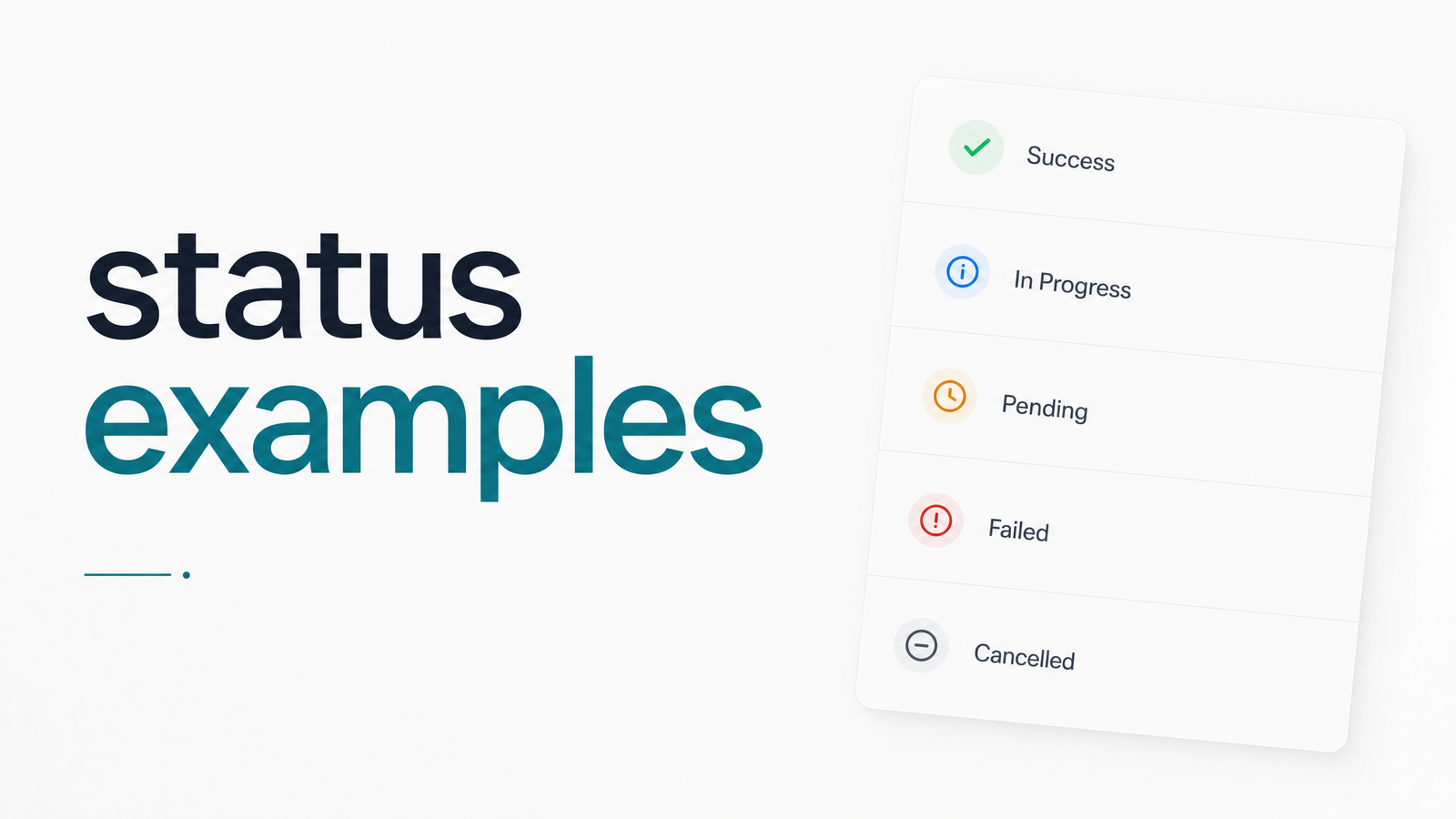
Search "status examples" and you'll mostly find public incident pages — statuspage.io-style banners announcing "degraded performance." That's a different problem from the one most developers actually have on a Tuesday afternoon: figuring out what state their nightly billing job is in right now, and why it hasn't reported back.
This article covers per-job execution status — the data model you need to build real alerting logic on top of your cron jobs and scheduled HTTP tasks.
What "Status" Means for a Single Job Run
A public status page communicates the health of an entire system to outside users — "API operational," "database experiencing issues." Job execution status is narrower: it describes what happened during one specific run of one specific scheduled task.
When Cronevra or any monitoring tool assigns a job status, it's answering a precise question: did this particular execution start, finish, succeed, or stall? Conflating that with a status page is why so many "status examples" searches lead to the wrong content. If you're actually looking for public-facing incident page examples, Statuspage Examples: What Great Ones Get Right covers that ground well. Here, we're building a reference for execution status — the states you assign to a single cron run and the alerts you attach to each.
The Core Status Examples Every Job Can Have
A workable job status model is small and specific. Here's the taxonomy most monitoring setups converge on, with a concrete trigger for each:
| Status | What triggers it |
|---|---|
| Success | The job completed, returned HTTP 200 (or exit code 0), within expected duration. |
| Failed | The job returned a 4xx/5xx response, a non-zero exit code, or threw an unhandled exception. |
| Running / In Progress | The job has started and the monitor hasn't yet received a completion ping. |
| Timeout | The job started but never finished within a defined maximum duration — no response at all. |
| Missed (no ping) | The scheduled trigger time passed with no check-in, start signal, or heartbeat received. |
| Late (grace period) | The job hasn't checked in yet, but it's still inside an allowed buffer before being flagged. |
| Retrying | A previous attempt failed or timed out, and the system is automatically re-running it. |
"Missed" and "failed" are not the same thing — a missed job never ran at all (the scheduler didn't fire, the server was down), while a failed job ran and produced an error. Collapsing those into one bucket is a common early mistake, and it makes root-cause analysis slower than it needs to be.
HTTP Status Codes vs. Job Status
For teams running HTTP-triggered jobs — a cron hitting an endpoint, a webhook-based worker, a scheduled API call — the raw HTTP response is only one signal feeding the higher-level job status, not the status itself.
A 200 typically maps to Success. A 4xx or 5xx maps to Failed, but the reason matters: a 500 often means the job logic broke, while a 429 might mean it got rate-limited and should be retried rather than marked permanently failed. A connection that never returns — no HTTP status code at all — maps to Timeout, not Failed, because the distinction affects what you troubleshoot first (network/infra vs. application logic).
The same logic applies to jobs that run as scripts: exit code 0 maps to Success, any non-zero exit code maps to Failed, and a process that never exits within its allotted window maps to Timeout. The mapping layer between raw response and job status is exactly where good monitoring tools add value — translating a cron job HTTP response into a state you can build alert rules around, instead of parsing status codes by hand in a log file.
The Trap: "Success" That Isn't Really Success
Here's the scenario that breaks naive monitoring: a job returns HTTP 200, exits with code 0, and gets logged as Success — but it didn't actually do anything. Maybe the database query it depended on returned zero rows and it exited cleanly anyway. Maybe an API key expired and the script caught the exception, logged a warning, and returned success regardless. Maybe it processed 0 of the 40,000 records it was supposed to process.
This is silent failure, and it's arguably more dangerous than an outright Failed status because nobody gets alerted. The job looks green on every dashboard while the report that depended on it goes out empty, or the sync that should have run never touched a single record. A cron job fails silently precisely when status alone — success or failure — is the only signal being tracked.
The fix is to treat status as necessary but not sufficient. Duration is a strong secondary signal: a job that normally takes four minutes finishing in four seconds is suspicious even with a clean exit code. Output/payload checks — expected row counts, response body content, byte size — catch what a raw status code can't. This is precisely the gap Cronevra is built to close: it doesn't just record that a job returned 200, it tracks execution duration and check-in patterns against your job's normal baseline, so a false success stands out instead of hiding in a green checkmark.
Designing a Status Model You Can Actually Alert On
If you're building this yourself rather than adopting a tool, a few principles keep the model manageable:
Keep the status list small and mutually exclusive. Six to eight states — Success, Failed, Running, Timeout, Missed, Late, Retrying — is enough for almost any use case. Every additional custom status is another branch in your alerting logic someone has to maintain.
Set explicit grace periods. Decide, per job, how long past the expected trigger time it's normal to wait before flagging anything. A job expected at 2:00 AM that checks in at 2:02 AM shouldn't page anyone; one still silent at 2:20 AM probably should. That buffer separates Late from Missed, and needs to be a deliberate threshold, not a guess made once and forgotten.
Alert on transitions, not just states. A job sitting in Running for its normal five minutes isn't news. A job transitioning from Running to Timeout, or from Success to Failed on consecutive runs, is the signal worth interrupting someone for. Alerting purely on static state produces noise; alerting on meaningful transitions produces signal.
Route different statuses to different channels. A single Missed run might justify a Slack message. Three consecutive Failed runs, or a customer-facing job going into Timeout, probably justifies a PagerDuty page. Email digests work fine for lower-urgency changes. Webhook alerting lets you route programmatically based on which status fired and how many times.
If you'd rather not maintain this logic by hand, Cronevra assigns and tracks every one of these statuses automatically — success, failed, timeout, missed, retrying — with alerting thresholds and grace periods you configure per job, delivered over Slack, email, PagerDuty, or webhook. And if you're currently staring at a Failed or Missed status trying to figure out what broke, Cron Job Is Not Working? A Fast Diagnostic Checklist walks through the troubleshooting steps.
Frequently Asked Questions
What are the different statuses a cron job can have?
The core states are Success, Failed, Running/In Progress, Timeout, Missed (no ping), Late (within grace period), and Retrying. Success means the job completed as expected; Failed means it ran but returned an error; Timeout and Missed both indicate no valid completion signal, but Timeout means it started and Missed means it never checked in at all.
What does a 'missed' or 'no-ping' status mean in job monitoring?
It means the scheduled trigger time passed without any check-in, start signal, or heartbeat from the job. This usually points to a scheduler failure, a server outage, or a network issue preventing the job from starting — distinct from Failed, which requires the job to have actually run and errored out.
How is a job's execution status different from a public status page?
Job execution status describes the outcome of one specific scheduled run — success, failure, timeout — while a public status page communicates the overall health of a system to end users. Execution status is an internal engineering signal for alerting; a status page is a customer-facing communication tool, typically covering incidents across an entire service rather than a single task.
Which HTTP status codes usually mean a cron job failed?
Any 4xx or 5xx response typically maps to Failed, since it indicates a client error (like an expired auth token) or a server error (like an unhandled exception). A lack of any HTTP response — a connection that hangs or drops — should map to Timeout rather than Failed, since the failure mode and the fix are different.
How long should a job run before it's marked as timed out?
It should be based on the job's normal historical duration plus a reasonable buffer, not a fixed default like five minutes for every job. A report job that normally takes 20 minutes needs a longer timeout threshold than a health-check ping that normally completes in under a second.
Can a cron job show 'success' but still have failed silently?
Yes — a job can return HTTP 200 or exit code 0 while doing nothing useful, such as processing zero records due to an upstream error it caught and ignored. This is silent failure, and catching it requires checking duration and output data in addition to the raw status code, since status alone won't reveal it.
Every status described here — success, failed, timeout, missed, retrying — is exactly what Cronevra tracks automatically the moment you connect an endpoint, with alerts routed to the channel of your choice. Connect a job and watch its real status history build in minutes, or check Pricing · Cronevra to see which plan fits your team.