ServiceNow Scheduled Job Execution History: Where to Find It
August 9, 2026
Why ServiceNow's Scheduled Job History Is Hard to Find
Ask any ServiceNow admin where to find scheduled job execution history, and you'll get a shrug and three different table names. The platform doesn't keep one clean audit log — execution data is spread across job definitions, trigger records, script logs, and generic transaction logs, each holding a different slice of the story. Community forums show the same question asked repeatedly for years: "why can't I just see if my job ran?"
The honest answer is that ServiceNow scheduled job logs were never designed as a single reporting surface. They're operational artifacts from a scheduling engine, retrofitted into a troubleshooting tool. Once you know which table answers which question, tracing execution history stops being guesswork.
The Tables That Actually Hold Scheduled Job Data
Four tables do the real work, and confusing them is the most common reason searches go nowhere.
sysauto is the job definition table. It stores the script, the run conditions, and the configuration — the "what" and "when it's supposed to run," not a record of any specific execution.
sys_trigger holds individual scheduling records: next-run time, run type, and trigger state. As the ServiceNow Community confirms, this is distinct from sysauto — sys_trigger tracks scheduling mechanics per job, while sysauto holds the job's definition. Another thread lays out the relationship between sys_trigger and sysauto in more detail.
sysauto_script extends sysauto specifically for script-type scheduled jobs — those defined by a block of server-side script rather than a fixed system process. If your job is a custom script scheduled to run nightly, this table holds that script body.
syslog_transaction logs transaction-level activity across the instance, and is one of the most practical places to check execution history: filter by Type "Scheduler" and you'll see individual scheduler-triggered transactions, often with the job name embedded in the URL column. A community thread on checking execution history in sys_trigger confirms this filtered syslog_transaction view as a working method when sys_trigger alone doesn't give enough context.
How to View Execution History in the UI
If you'd rather click than query, ServiceNow's UI gives you two paths, depending on your instance version.
The standard route: navigate to System Scheduler > Scheduled Jobs > Scheduled Jobs. Open any job record and check the "Last run" and related fields near the top of the form — this tells you when the job most recently executed and, for many job types, whether it completed without an obvious error.
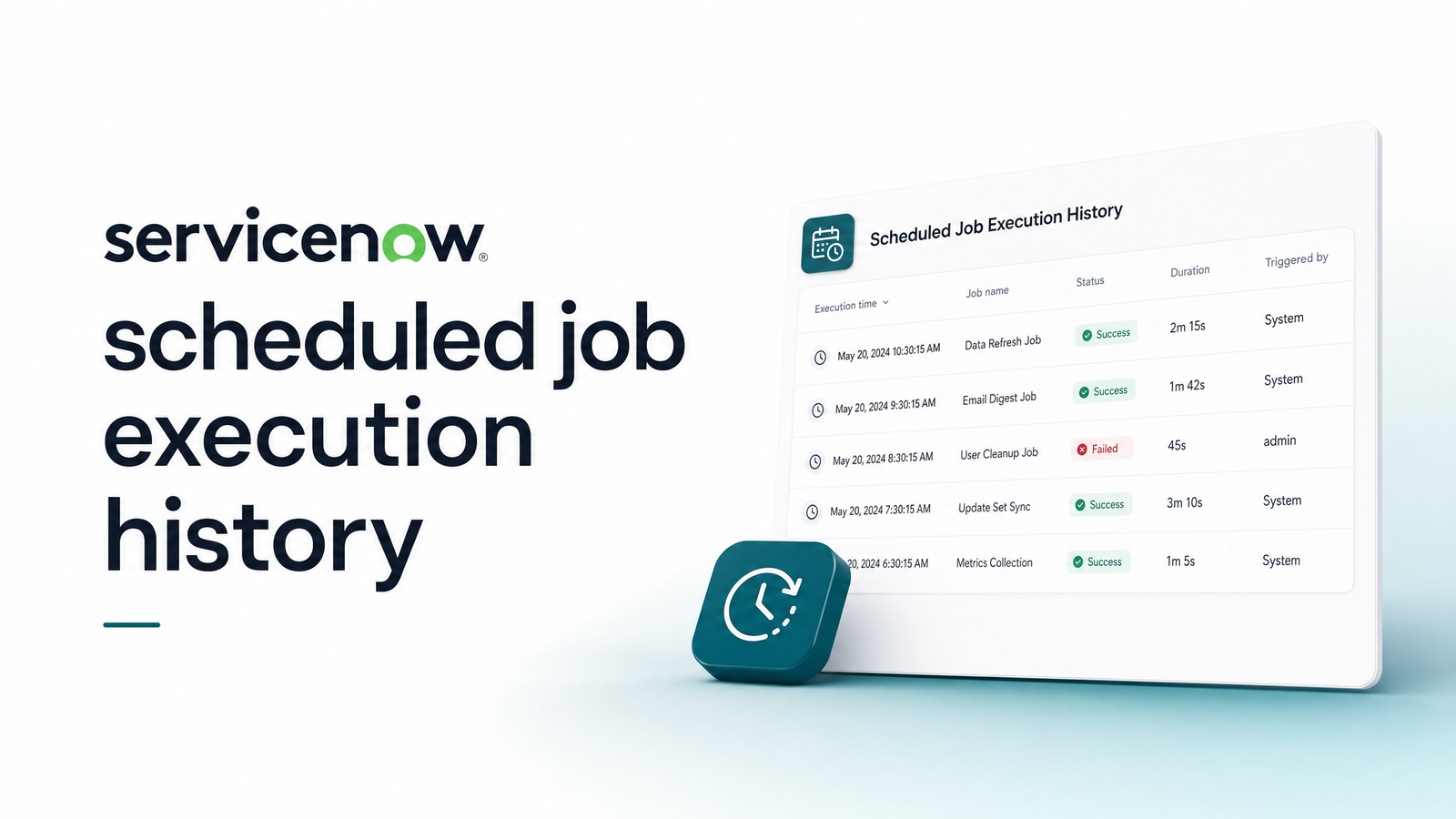
From the Vancouver release onward, ServiceNow added a more purpose-built option: the Scheduled Job Dashboard, alongside a Scheduled History module. These give node-wise breakdowns and trend views — useful if you're running scheduled jobs across a clustered instance and need to see execution patterns over time rather than a single last-run timestamp. The ServiceNow developer blog on Scheduled Job History and Event Trends documents exactly what this dashboard surfaces and how it differs from the older per-record view. If you just need to check ServiceNow scheduled job status quickly, this dashboard is now the faster path — but it's still reporting on execution metadata, not job output.
What Native History Won't Tell You
Here's where ServiceNow's documentation gets quiet and community threads get loud. Three gaps show up constantly:
First, there's no stored output. ServiceNow can tell you a job ran; it generally can't tell you what the job actually did or produced, unless the script explicitly logs that information itself.
Second, sys_scheduler_job_history is inconsistent. Multiple admins report it failing to reliably capture start time, end time, or success/failure status — a gap confirmed directly in a ServiceNow Community thread on tracing scheduled job execution logs. You can't build dependable auditing on a table that doesn't consistently populate its own status field.
Third, and most consequential: there's no built-in alerting when a scheduled job fails or — worse — silently stops running altogether. No trigger fires, no email goes out, nothing flags the gap in the schedule. The common workaround is peppering scripts with gs.info() calls to write custom log entries, which helps with visibility but does nothing for notification. If you're troubleshooting a specific failure, this breakdown of what "Execution of Job Failed" means and how to fix it is a useful next stop. And if you manage jobs across both ServiceNow and SQL Server, the parallel structure in this T-SQL guide to job execution history is worth comparing.
When the Job's Real Work Happens Outside ServiceNow
A large share of ServiceNow scheduled jobs aren't doing meaningful work inside the platform at all — they exist purely to call an external REST API, fire a webhook, or push data to an integration endpoint. In that scenario, ServiceNow's execution history tells you the job kicked off and finished within the instance. It says nothing about whether the external call actually succeeded, whether the downstream system accepted the payload, or whether the endpoint was even reachable.
This is a structural blind spot, not a configuration mistake. ServiceNow's tables were built to track ServiceNow's own scheduler, not the health of whatever sits on the other end of an outbound HTTP call. For teams running scheduled jobs against external APIs, real cron job monitoring for integrations has to happen independently of ServiceNow — watching the actual HTTP endpoint, not just the trigger that fired it. That's precisely the layer Cronevra adds: monitoring the external call itself and alerting the moment it fails or stops running, rather than waiting for someone to notice a downstream system went quiet. If you're evaluating options for this layer, this buyer's guide to API monitoring services covers what to look for.
Native ServiceNow tables are genuinely sufficient for auditing in-platform script jobs — sysauto, sys_trigger, and the dashboard views cover that ground reasonably well once you know where to look. But the moment a scheduled job's real purpose is calling an external API or webhook, ServiceNow's own logs stop being able to answer the one question that matters: did the external call actually succeed? Check Cronevra's pricing to see how independent HTTP monitoring closes that gap.
Frequently Asked Questions
Where is scheduled job execution history stored in ServiceNow?
It's split across four tables rather than one log: sysauto holds the job definition, sys_trigger holds the scheduling and next-run record, sysauto_script extends this for script-type jobs, and syslog_transaction — filtered by Type "Scheduler" — shows transaction-level execution records with the job name often visible in the URL column.
What's the difference between the sysauto and sys_trigger tables?
sysauto stores the job's definition — its script, conditions, and configuration — while sys_trigger stores the scheduling mechanics for that job, including next-run time and trigger state. sysauto answers "what does this job do," and sys_trigger answers "when does it run next."
How do I check if a ServiceNow scheduled job actually ran successfully?
Start with System Scheduler > Scheduled Jobs > Scheduled Jobs and check the "Last run" field on the job record, then cross-reference syslog_transaction filtered to Type "Scheduler" for transaction-level confirmation. On post-Vancouver instances, the Scheduled Job Dashboard and Scheduled History module give a faster, trend-based view of job status across nodes.
Does ServiceNow store the output of a scheduled job?
Not by default. ServiceNow's native tables record that a job executed and roughly when, but they don't capture what the job actually produced or did unless the script explicitly writes that detail out using calls like gs.info().
What changed with the Scheduled Job Dashboard after the Vancouver release?
The Vancouver release introduced a dedicated Scheduled Job Dashboard along with a Scheduled History module, giving admins node-wise execution breakdowns and trend views instead of relying solely on per-record last-run fields. This makes it easier to spot patterns across a clustered instance rather than checking jobs one at a time.
How do I get alerted when a ServiceNow scheduled job fails?
ServiceNow has no built-in alerting for scheduled job failures or silent stops — you'd need to build custom notification logic yourself. For jobs whose real purpose is calling an external API or webhook, independent monitoring tools like Cronevra can watch the actual HTTP endpoint and send failure alerts that ServiceNow's own scheduler can't generate.