Sentry Uptime Monitoring: What It Covers (and Cron Jobs
August 29, 2026
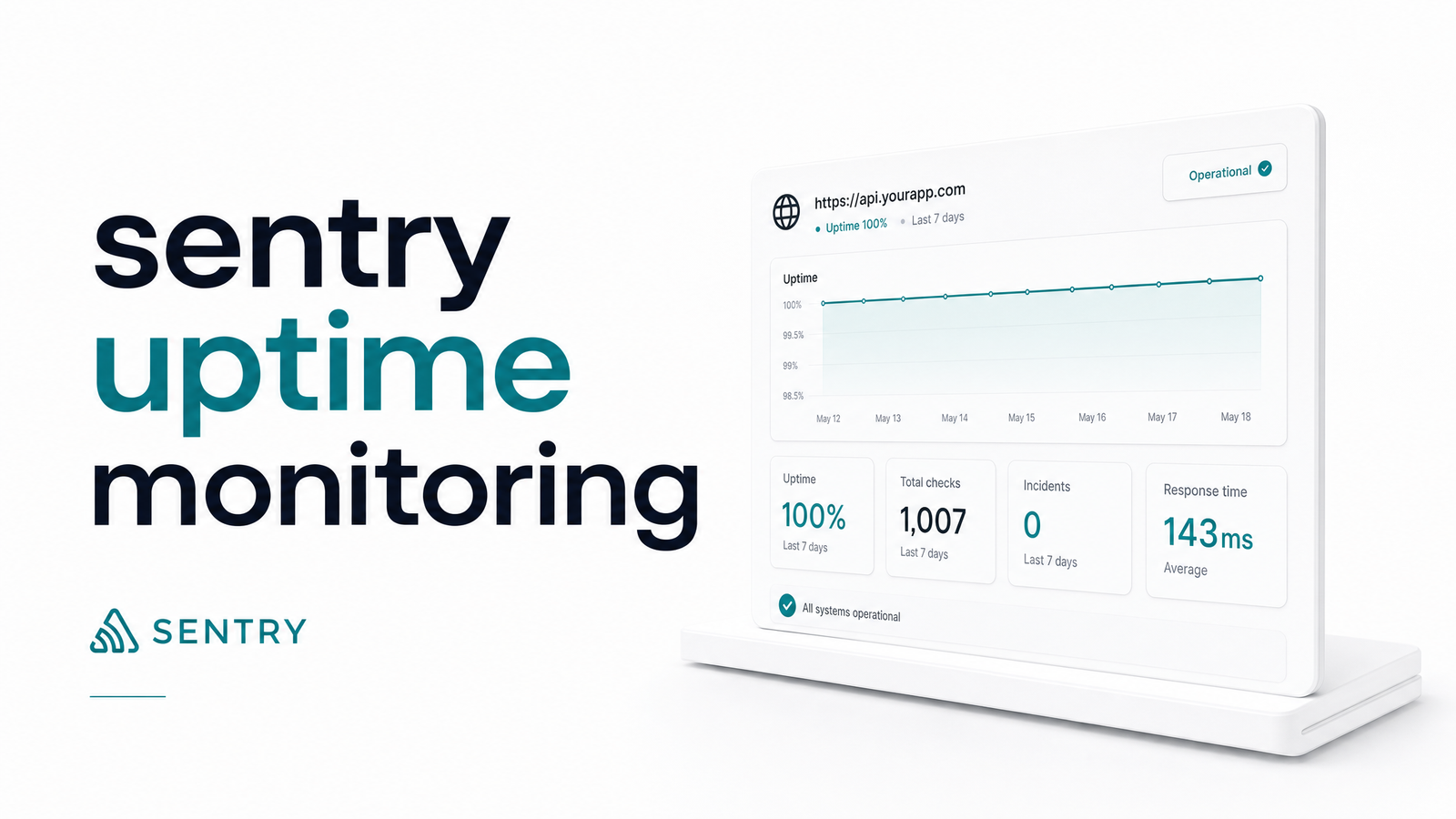
If your team already runs Sentry for error tracking, it's natural to assume its Uptime Monitoring feature also has your scheduled jobs covered. It doesn't — and knowing why is the difference between catching a failed cron job and hearing about it from an angry customer.
Sentry's uptime feature answers one narrow question: "Is this URL reachable right now?" That's different from "did this cron job actually finish its work correctly?" Let's separate the two.
What Sentry's Uptime Monitoring Actually Does
Sentry uptime monitoring sends periodic HTTP requests to a URL you specify and records whether the response indicates the endpoint is alive. Per Sentry's own documentation, it performs continuous checks, fires alerts when a target appears down, and — since it lives inside the same platform as error tracking — ties into distributed tracing, so a failed check can be correlated with traces and errors happening at the same moment.
That correlation is the real value: it's an uptime signal layered onto an observability platform you're already using, not a standalone pinger. For a marketing site, a public API root, or a health-check endpoint, that's genuinely helpful — it tells you when something is unreachable and gives context to debug faster than a plain "site is down" email would.
But notice what's baked into the definition: it checks a URL. It doesn't execute your job, inspect your database, or verify a business outcome. That distinction matters once you apply it to scheduled work.
How Checks, Thresholds, and Alerts Work
Configuration is simple by design. Per the Sentry changelog for the uptime monitoring early adopter release, checks originally ran on a fixed 5-minute interval using GET requests only, with a 2xx status counted as healthy. Anything else — a 4xx/5xx response, a timeout, or a DNS failure — counts against the endpoint's uptime status.
To keep sentry uptime alerts from becoming noise, the product uses failure tolerance and recovery tolerance settings. Failure tolerance defines how many consecutive failed checks must occur before Sentry declares the endpoint down and pages someone; recovery tolerance requires a run of successful checks before the incident is marked resolved. A single dropped packet or brief network blip shouldn't wake anyone at 3 a.m., and tuning these thresholds is how you avoid that — though set them too loose and you miss transient blips, too tight and you get paged for nothing.
The sentry uptime check interval and tolerance settings are configurable within limits, but the underlying check remains a simple network probe — reachability, not correctness.
Uptime Monitoring vs. Sentry Crons: Two Different Products
This is where most confusion happens: Sentry Uptime Monitoring and Sentry Crons are separate products, configured and billed differently, even though both live under "Monitors and Alerts" in Sentry's dashboard.
Uptime Monitoring pings a URL from outside on a schedule and asks "did this respond?" Sentry Crons, by contrast, uses check-in monitoring — your job sends a signal to Sentry when it starts and finishes, and Sentry alerts you if that check-in doesn't arrive on schedule. That's a heartbeat pattern, not a probe pattern: the job reports on itself rather than being polled.
The practical difference — sentry crons vs uptime monitoring — comes down to who initiates the signal. Uptime Monitoring is Sentry reaching out to you; Sentry Crons is your job reaching out to Sentry. If your cron task doesn't expose an HTTP endpoint, or runs on a machine with no public URL at all, Uptime Monitoring literally cannot see it. Teams that assume one feature substitutes for the other end up with blind spots in exactly the jobs they most need visibility into.
Where the Free Quota and URL-Probe Model Fall Short for Cron Jobs
Sentry's plans, per its quota documentation, include exactly one free uptime monitor and one free cron monitor per organization, with additional monitors billed through PAYG pricing beyond that allowance. One free monitor sounds fine until you count how many scheduled jobs your team actually runs — nightly billing exports, hourly syncs, cleanup scripts, report generators. Most teams have more than one critical job within the first week, and sentry uptime monitoring pricing beyond the free tier adds up fast if you're using it as your primary job-monitoring layer.
The deeper issue isn't cost — it's the sentry uptime monitoring limits baked into the URL-probe model itself. A GET request returning 200 tells you the endpoint responded. It says nothing about whether the job processed every record, whether it silently exited halfway through a batch, or whether it wrote garbage data because an upstream API changed shape. A cron job can return a healthy HTTP status and still have failed at the one thing it was supposed to do. This is a well-documented gap in general observability tooling — see what devops observability tools miss about cron jobs for why APM-style tools like Sentry and Datadog weren't built to validate scheduled task completion.
When to Pair Sentry with Dedicated Cron Monitoring
Keep Sentry for what it's genuinely excellent at: error tracking, distributed tracing, and simple reachability checks on customer-facing URLs. Add a dedicated cron/job monitoring layer once your scheduled jobs matter enough that "it ran" isn't the same question as "it ran correctly."
A practical rule: if a job's failure would go unnoticed until a customer or finance team complains, it needs check-in monitoring, not a URL ping — job-level heartbeats, an auditable execution history, and recovery alerts tuned for scheduled work rather than web traffic. This is precisely the gap tools built as a sentry alternative for cron jobs — including Cronevra — are designed to close, running cron job monitoring alongside Sentry rather than replacing it. If you're comparing dedicated options, Cron Monitor: What It Is and How to Choose One walks through what to evaluate.
Keep Sentry wired up for errors and basic uptime pings. Add Cronevra for the check-ins, execution history, and failure/recovery alerts your scheduled jobs actually need — and if you're still weighing tools, the Healthchecks.io comparison is a good next stop.
Frequently Asked Questions
Does Sentry monitor uptime for free?
Yes, but only to a point — Sentry includes one free uptime monitor per organization. Beyond that, additional uptime checks are billed through PAYG pricing, which matters quickly for teams with more than one critical endpoint.
Is Sentry's Uptime Monitoring the same as Sentry Crons?
No, they're distinct products with different mechanics. Uptime Monitoring polls a URL from outside on a schedule, while Sentry Crons relies on your job sending check-in signals to Sentry, making it suited for scheduled tasks that don't expose an HTTP endpoint.
Can Sentry Uptime Monitoring check POST requests or authenticated endpoints?
No — Sentry's uptime checks are GET-only HTTP probes evaluated against 2xx status codes. It can't submit authenticated requests, POST payloads, or verify anything beyond whether the endpoint responds successfully.
How often does Sentry check uptime, and can I change the interval?
The original release checked endpoints every 5 minutes, and interval configuration is available within Sentry's supported ranges. Regardless of interval, each check is still a simple reachability probe rather than a functional test.
What happens when Sentry detects downtime — how do alerts work?
Sentry uses failure tolerance and recovery tolerance settings to decide when to alert. A set number of consecutive failed checks must occur before an incident is declared, and a run of successful checks is required before it's marked resolved, reducing noise from brief network blips.
Do I still need a separate uptime or cron monitoring tool if I use Sentry?
Yes, if your scheduled jobs matter — Sentry's uptime checks confirm a URL is reachable, not that a cron job completed its work correctly. Teams running critical scheduled tasks typically pair Sentry's error tracking with a dedicated check-in based tool like Cronevra for job-level execution history and failure recovery.