Linux Cron Explained: How the Daemon Really Works
August 29, 2026
Cron vs. Crontab: Two Different Things
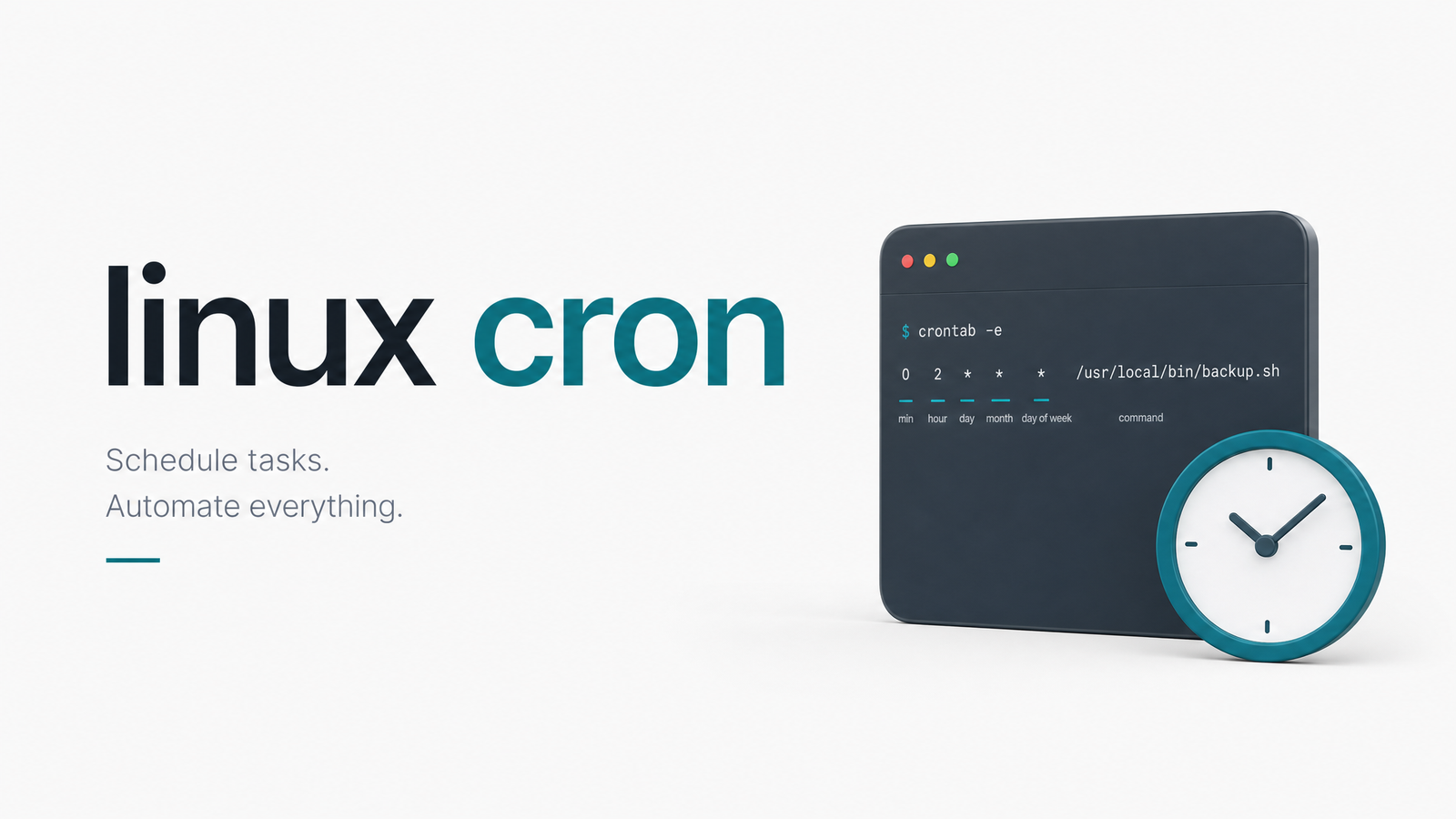
Most people say "cron" when they mean "crontab," and that mix-up is why so many scheduling problems go unsolved. Crontab is the file format and command-line tool you use to define schedules. Cron — more precisely the linux cron daemon, running as the process crond — is the background service that reads those files and launches jobs. Crontab is a syntax; cron is a running process with its own lifecycle, logs, and failure modes.
If you landed here looking for * * * * * syntax help, our crontab tutorial covers that in four steps. This article is about what happens after you save that file — the daemon side of crontab vs cron that almost nobody explains properly.
How the Cron Daemon Actually Works
crond doesn't watch your filesystem in real time. It wakes up roughly once per minute, checks the current time against every scheduled entry it knows about, and launches anything that matches. That's cron polling in a nutshell — a simple loop, not an event-driven system.
Where does it look? Three places, every cycle:
/var/spool/cron(or/var/spool/cron/crontabson Debian-based systems) — the cron spool directory holding each user's personal crontab, one file per username./etc/crontab— a system-wide crontab with an extra field for which user to run the job as./etc/cron.d/— a directory of drop-in system crontabs, typically installed by packages that need their own schedule without editing a shared file.
How does cron know when to reload a crontab you just edited with crontab -e? It doesn't re-parse everything from scratch every minute. Instead, crond checks the modification timestamp of the spool directory and individual crontab files, and reloads just the changed tables when it detects a newer mtime. This is why editing a file directly with a text editor instead of the crontab command can bite you: if the tool doesn't update the timestamp the daemon expects, or permissions are wrong, your change silently never takes effect until the next reload trigger. The cron(8) manual page documents this polling and reload behavior in detail and is worth reading once if you manage production schedules.
Which Cron Are You Actually Running?
Not all Linux systems run the same cron. The lineage traces back to Paul Vixie's cron from the late 1980s, and nearly everything in use today is a fork or descendant of it.
- Debian and its derivatives (Ubuntu included) ship a patched Vixie cron package — the closest thing to the "classic" implementation, as documented on the Debian Wiki's cron page, including the
/etc/cron.{daily,weekly,monthly}convenience directories driven byrun-parts, and anacron integration for systems that aren't always powered on. - RHEL, Fedora, and SUSE run cronie, a modern fork of Vixie cron maintained as its own project. Functionally similar — same spool locations, same crontab syntax — but a separate codebase with its own patches and release cadence. The cronie project on GitHub is the canonical source for version-specific behavior.
- systemd-cron is a newer option on some distributions that reimplements crontab parsing on top of systemd units and timers rather than a traditional standalone daemon.
The cronie vs Vixie cron distinction matters more than people assume, because file paths, default permissions, and even mail behavior can differ slightly between them. A good background piece on how these forks diverged is this Bumble Tech writeup on cron's history and structure. If you're debugging a job that behaves differently than a tutorial says it should, checking which cron your distro actually ships is step one.
Where Cron Logs (and Where Output Goes)
Cron activity — job starts, reloads, errors — normally goes to syslog, usually landing in /var/log/cron, /var/log/syslog, or wherever your distro's syslog daemon routes the cron facility. That's where you look for linux cron logs when a job seems to have vanished: not in a special cron-specific log file, but in your standard system logging pipeline.
Job output, however, is handled differently. By default, cron captures a job's stdout and stderr and tries to mail it to the crontab owner. This cron mail output mechanism is a holdover from an era when every Unix box had a working local mail transfer agent. Most modern servers don't. If no MTA is installed, that output is simply discarded — the job ran, produced output, and that output vanished into nothing, with no error surfaced anywhere obvious. This is one of the most common reasons people insist "my cron job isn't running" when it actually is; the job succeeded or failed silently, and the evidence never reached anyone. We cover the exact fix in our MTA troubleshooting guide.
Cron and systemd: Do You Still Need Crontab?
On a systemd-based Linux system, crond is simply started and supervised as a unit — typically crond.service — like any other daemon. Systemd doesn't replace cron by default; it just manages the process. The real question people ask is whether they should migrate to systemd timers vs cron entirely. Timers offer tighter systemd integration, dependency ordering, and built-in logging through journald. But for straightforward, portable scheduled jobs, crontab remains simpler to write, easier to move between servers, and universally understood. Most teams don't need to migrate — they need better visibility into the cron they already have.
The One Thing the Cron Daemon Can't Tell You
Here's the part that trips up even experienced engineers: crond only confirms that it launched a process at the scheduled time. It has no concept of "success." A script that hits an API timeout, silently outputs a stack trace, or exits 1 still counts as a job that "ran," as far as cron is concerned. This is exactly how cron silent failure happens — logs and ps output confirm execution, but nothing confirms the outcome. Our deeper dive into cronjob failure modes and this piece on what observability tools miss about cron jobs both dig into this gap in more detail.
Cron is deliberately blind by design — it was never built to check outcomes, only to trigger them at the right time. Real cron job monitoring means knowing the moment a scheduled task fails, hangs, or simply never checks in, not discovering it days later in a downstream report. That's the layer Cronevra adds on top of your existing cron setup — no migration, no changed schedules, just alerts the instant something goes wrong. Start free, or see pricing plans if you're ready to stop finding out about failures the hard way.
Frequently Asked Questions
What process actually runs cron on Linux, and how does it discover jobs?
The crond daemon runs continuously in the background and wakes roughly once per minute to check schedules. It discovers jobs by scanning the cron spool directory (/var/spool/cron), the system-wide /etc/crontab, and any files in /etc/cron.d/, matching each entry's schedule against the current time.
What's the difference between cronie and Vixie cron, and which distros use which?
Cronie is a modern fork of the original Vixie cron, maintained as its own project and used by RHEL, Fedora, and SUSE. Debian and Ubuntu instead ship a patched version of Vixie cron directly. Both behave similarly but differ in patches, defaults, and occasionally file locations.
Where does cron on Linux write its logs?
Cron activity is typically logged through syslog, landing in files like /var/log/cron or /var/log/syslog depending on your distro's logging configuration. Job output (stdout/stderr) is handled separately through mail delivery, not through these system logs.
How does cron know when to reload a crontab that was just edited?
crond checks the modification timestamp of crontab files and the spool directory on each polling cycle rather than reparsing everything constantly. When it sees a newer timestamp, it reloads just that crontab into memory, which is why edits made outside the crontab command can sometimes fail to register.
Why does cron output seem to disappear even when a job ran?
Cron tries to email a job's output to the crontab owner by default, but if no mail transfer agent is installed on the server, that output is silently discarded. The job still executed and logged its launch, but any printed results or error messages never reach anyone.