healthchecks.io Review: What It Does Well, Where It Falls
August 16, 2026
What Is healthchecks.io?
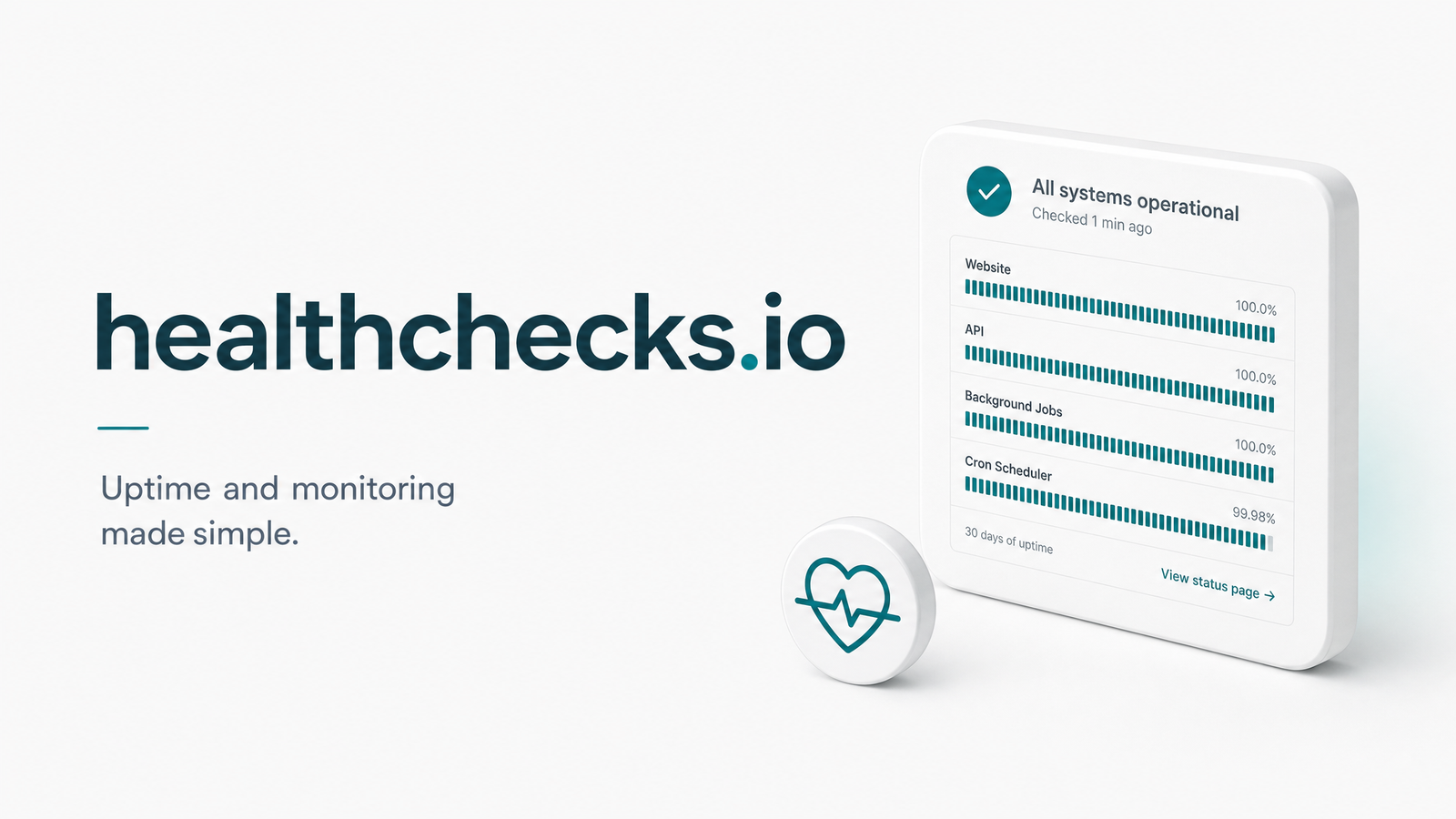
healthchecks.io is a hosted dead man's switch service built for cron job monitoring. It flips the usual model: your scheduled task pings healthchecks.io every time it runs, and the service alerts the moment a ping doesn't arrive on schedule. It's a lightweight, developer-friendly tool that has become a default choice for teams who just want to know "did my job run today?"
The mechanic is simple. You create a "check" for each cron job, and healthchecks.io expects an HTTP request at a predictable interval. No ping, no all-clear — it assumes something went wrong. This passive-monitoring approach doesn't need access to your infrastructure, codebase, or job output — just a single outbound HTTP call.
How healthchecks.io Works
Each check gets a unique ping URL in the format hc-ping.com/. Your cron job hits that URL — typically with curl — at the end of its run:
curl -m 10 --retry 5 https://hc-ping.com/your-uuid-here
That's the entire integration for a basic setup. Two settings control how healthchecks.io decides whether a job is healthy: Period and Grace Time. Period is how often you expect the job to run (hourly, daily, etc.). Grace Time is the buffer healthchecks.io waits after the expected time before alerting — useful for jobs that occasionally run late without actually failing. Get these backwards, and you'll either get alerted for healthy jobs or miss real failures because the grace window is too generous. The official Configuring Checks docs cover Simple, Cron, and OnCalendar schedule types, which matters if your jobs use cron syntax or systemd-style expressions rather than a fixed interval.
Beyond a basic "success" ping, healthchecks.io supports a start signal (ping /start when the job begins, to measure duration) and explicit fail signals (ping /fail to mark a run as failed even if it technically executed). Rate limits, endpoint variations, and payload options are documented in the Pinging API reference.
healthchecks.io Pricing: Free vs Paid Plans
The free plan supports up to 20 checks — enough for a small project, but it runs out fast once you're monitoring a real production stack across multiple services. Log retention on the free tier is also limited, so historical ping data ages out quickly.
Paid plans raise the check limit, extend log retention, add team member seats, and include SMS/phone-call alert credits alongside email and integrations. The practical question isn't the price itself but whether you actually need more than 20 checks or longer history — many small teams never hit those ceilings. For current numbers, see the Plans and Pricing page, since tiers are adjusted periodically.
Where healthchecks.io Falls Short
The dead man's switch model has a structural blind spot: it confirms a ping arrived, not that the job did what it was supposed to do. A cron job can hit its ping URL right on schedule while the actual task inside — a data export, a billing run, a report generation — silently fails, throws an exception after the ping fires, or writes corrupted output. healthchecks.io can't see that, since it was never designed to inspect a job's response body or output; it only tracks whether a signal showed up in the expected window. This is the essence of silent cron failures: everything looks green on the dashboard while the underlying work is broken.
There's also no deep execution context beyond the ping log itself. You get a timestamp and a status (on time, late, or failed), but not the response payload, status code, or duration breakdown unless you build that instrumentation yourself. Alerting is binary — late or not — with no richer diagnostics about why something went wrong. And if you self-host rather than use the hosted service, you take on real ops overhead: patching, scaling, and maintaining uptime for the very tool that's supposed to alert you when things break.
None of this makes healthchecks.io a bad tool — it does what it's built for. But teams that need more than a heartbeat eventually look for a healthchecks.io alternative that closes this gap. Our breakdown on how heartbeat-style health checks work and where they hit limits goes deeper into this pattern, and our piece on what a successful ping actually guarantees is worth reading before you assume "on time" means "correct."
healthchecks.io vs Cronevra
healthchecks.io monitors the heartbeat — the ping. Cronevra monitors the execution — what the HTTP job actually returned, including response codes, timing, and failure context — then correlates that into real execution history rather than a flat ping log.
| healthchecks.io | Cronevra | |
|---|---|---|
| Core model | Dead man's switch (ping arrival) | Full HTTP job execution monitoring |
| Failure detail | Late/missing ping only | Response codes, payload, and error context |
| Execution history | Ping log | Correlated run history per job |
| Recovery alerts | Binary alert on missed ping | Contextual alerts tied to actual failure cause |
| Self-hosting | Available, adds ops overhead | Hosted, no infra to maintain |
The practical difference shows up the moment something breaks. With healthchecks.io, you learn a ping didn't arrive. With Cronevra, you see what the job actually returned and why it failed — turning "it's late" into "here's the error," which is what actually shortens an incident.
Which One Should You Choose?
If your needs are simple — a handful of cron jobs, a tight budget, and you just want to know when something stops checking in — healthchecks.io is a genuinely solid, low-cost choice, and its free plan is enough for many small setups. It's also a reasonable fit if you're comparing options like Cronitor or Better Stack purely on heartbeat features, or piping alerts through Slack integration and PagerDuty for a simple notification layer.
But if you've been burned by a job that pinged on time while quietly failing, or your team needs execution history and failure detail to debug incidents fast rather than just get notified of them, that's the point where a heartbeat monitor stops being enough. Teams comparing the best cron monitoring tool for their actual reliability needs — not just uptime pings — are usually the ones ready to make that jump.
If a simple free heartbeat is genuinely all you need, healthchecks.io will serve you well. But if you want to see what actually happened inside a failed job — not just that a ping showed up late — try Cronevra's free plan, or check the pricing page to compare costs directly against your current setup.
Frequently Asked Questions
Is healthchecks.io really free to use?
Yes, it offers a genuinely free tier supporting up to 20 checks with limited log retention. It's usable for real projects, not just a trial — but teams monitoring more than 20 cron jobs or needing longer history will need a paid plan.
What's the difference between Period and Grace Time in healthchecks.io?
Period defines how often you expect your job to run (its schedule interval), while Grace Time is the extra buffer healthchecks.io waits after that expected time before declaring the check late. Misconfiguring Grace Time too short causes false alerts; too long delays real failure notifications.
Does healthchecks.io check if my job actually succeeded, or just that it pinged?
It only confirms that a ping arrived within the expected window — it does not inspect your job's actual HTTP response, output, or logic. A job can ping successfully while the underlying task fails or produces wrong results.
Can I self-host healthchecks.io instead of using the hosted version?
Yes, it's open-source and supports self-hosting as an alternative to the hosted hc-ping.com service. Self-hosting gives you full data control but adds ongoing operational responsibility for patching, scaling, and keeping the monitor itself reliable.
What happens if I exceed the free plan's 20 checks?
You'll need to upgrade to a paid plan to add more checks, which also extends log retention, adds team member seats, and includes SMS alert credits. Check the official pricing page for current tier limits and costs.
How is Cronevra different from a heartbeat monitor like healthchecks.io?
Cronevra monitors the actual HTTP job execution — including response codes, timing, and failure context — and correlates that into real execution history, rather than just tracking whether a ping arrived on time. That gives teams the "why" behind a failure, not just the "it was late" that a pure dead man's switch provides.