ESP8266 HTTP Requests: GET/POST Guide + Failure Monitoring
September 6, 2026
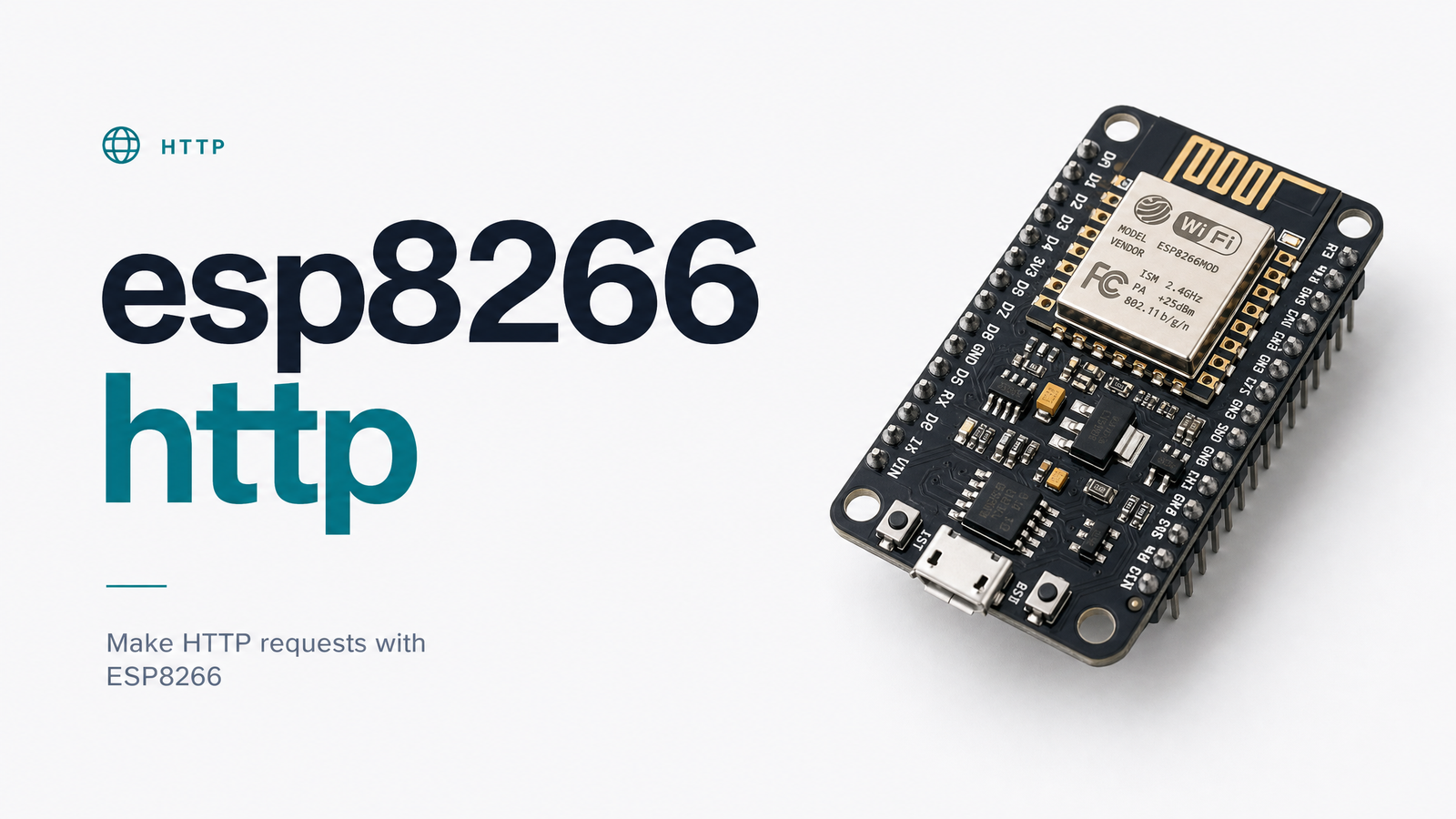
Every ESP8266 project that pushes sensor data, polls a REST API, or checks for OTA updates comes down to one operation: making an HTTP request that succeeds every time, unattended. Getting the code to run on your bench is easy. Keeping it running for months in a closet, a garden, or a remote job site is where most tutorials leave you stranded. This guide walks through the standard ESP8266 HTTP request pattern with the ESP8266HTTPClient library, then covers what happens after the demo ends — the silent failures nobody notices until the data has already stopped flowing.
How ESP8266 Handles HTTP Requests
The ESP8266 doesn't speak HTTP natively — it relies on the ESP8266HTTPClient library, which sits on top of WiFiClient (for plain HTTP) or WiFiClientSecure (for HTTPS). An esp8266 http request is really two layers working together: WiFiClient handles the raw TCP socket, and ESP8266HTTPClient wraps it with headers, methods, and response parsing so you're not building HTTP by hand.
Almost every practical ESP8266 use case depends on it: pushing a temperature reading to a server every few minutes, calling a webhook when a sensor trips, checking a version endpoint before flashing new firmware, or hitting a REST API that stores time-series data. The device acts purely as a client — it opens a connection, sends a request, reads the response, and closes it. Simple in theory, fragile in practice once you remove it from your desk.
Sending an HTTP GET Request from ESP8266
The canonical esp8266 http get example uses ESP8266WiFi.h to join the network and ESP8266HTTPClient.h to make the call. Here's the pattern, consistent with the reference implementation documented by Random Nerd Tutorials:
#include
#include

void setup() {
  Serial.begin(115200);
  WiFi.begin("your-ssid", "your-password");
  while (WiFi.status() != WL_CONNECTED) {
    delay(500);
  }
}

void loop() {
  if (WiFi.status() == WL_CONNECTED) {
    WiFiClient client;
    HTTPClient http;
    http.begin(client, "http://example.com/api/reading");
    int httpCode = http.GET();

    if (httpCode > 0) {
      String payload = http.getString();
      Serial.println(payload);
    } else {
      Serial.printf("GET failed, error: %s\n", http.errorToString(httpCode).c_str());
    }
    http.end();
  }
  delay(60000);
}
The critical line is the httpCode check. An esp8266 wifi http request can fail in ways that never throw an exception — it just returns a negative code — so always branch on the response before trying to parse anything.
Sending an HTTP POST Request (with JSON Payload)
Pushing sensor data typically means an esp8266 http post example with a JSON body rather than a bare GET. Add a content-type header, build the payload (often with ArduinoJson for anything beyond a couple of fields), and call POST() instead of GET():
WiFiClient client;
HTTPClient http;
http.begin(client, "http://example.com/api/ingest");
http.addHeader("Content-Type", "application/json");

String jsonPayload = "{\"temp\":24.5,\"humidity\":61}";
int httpCode = http.POST(jsonPayload);

if (httpCode > 0) {
  Serial.println(http.getString());
} else {
  Serial.printf("POST failed: %s\n", http.errorToString(httpCode).c_str());
}
http.end();
This esp8266 httpclient post json pattern is the backbone of most "send data to server every X seconds" projects — just swap the delay value and endpoint for your own.
HTTPS, Timeouts, and Handling Response Codes
An esp8266 https request needs WiFiClientSecure instead of plain WiFiClient, since TLS negotiation happens at that layer before ESP8266HTTPClient ever sees a byte. You'll need to either load a root certificate, set a SHA-1 fingerprint, or — for quick prototypes only — call setInsecure(), though that's not something to ship to production. Certificates also expire; a fingerprint or cert baked into firmware a year ago can silently start failing every request once it lapses.
Always set an explicit esp8266 http timeout with http.setTimeout(5000) or similar. Without one, a hung connection can block your loop far longer than expected, delaying sensor reads or watchdog resets. And always check httpCode > 0 before calling getString() — negative values are ESP8266HTTPClient's internal error codes, not HTTP status codes, and treating a -1 as if it were a real server response will crash your JSON parsing logic downstream.
Common ESP8266 HTTP Errors (and What Causes Them)
The esp8266 http error -1 connection refused is the single most reported issue in ESP8266 HTTP projects, and it's well documented in the esp8266/Arduino GitHub issue tracker. Connection refused esp8266 errors almost always trace back to one of these:
- Firing the request before WiFi is actually connected —
WL_CONNECTEDstatus flickers during reconnect, so a request sent milliseconds too early gets no socket to attach to. - Calling HTTP from inside an async WiFi event callback — the network stack isn't in a state where it can safely open a new TCP connection.
- DNS resolution failure or an unreachable host — a typo in the domain, a DNS server that's down, or a server that's simply offline.
- Heap fragmentation — after days of uptime with repeated String concatenation and JSON parsing, the free heap gets fragmented enough that new connections fail even though total free memory looks fine.
- Server-side TLS or firewall rejection — the server actively refuses the handshake, which surfaces client-side as the same generic error.
Each of these is fixable, but they share one trait: none throw a visible alarm anywhere except your serial monitor — which nobody is watching once the device ships.
Why Silent Failures Are the Real Risk in Production
A working GET or POST request on your bench tells you nothing about what happens when the router reboots at 3 a.m., the battery drains slowly over a week, or a cert quietly expires. An esp8266 not sending data doesn't throw an error to your phone — it just stops. There's no exception, no crash log, no notification. The device might still be powered on, blinking happily, while every scheduled check-in silently fails.
This is the gap between hobbyist code and production reliability. The bug isn't in your GET or POST logic — it's in the fact that nothing on the receiving end knows the difference between "device is idle" and "device is dead."
Monitoring the HTTP Endpoint Your ESP8266 Calls
The fix is to monitor esp8266 http requests from the outside, not the inside. Instead of trusting the device to report its own failures, you set an expectation on the server side: "this endpoint should receive a check-in every 5 minutes," and get alerted the moment it doesn't. This is esp8266 heartbeat monitoring — a push-based check where the absence of a call is itself the alert trigger, which is exactly the model behind iot cron job monitoring for fleets of ESP8266 or ESP32 devices scattered across sites you can't physically check.
Cronevra — Cron jobs that never fail silently. is built for this pattern: you create a monitor tied to the interval your device is expected to hit, point your ESP8266's POST call (or the server-side job that ingests it) to check in on schedule, and Cronevra alerts you the instant a check-in is missed — whether the cause is a dead battery, an outage, or a forgotten sleep cycle that never woke back up.
If you're deploying more than a handful of ESP8266 or ESP32 devices, wiring each one to a Cronevra monitor turns "I hope it's still running" into an actual guarantee. Set it up once at Cronevra, check the Pricing · Cronevra page for a plan that fits your fleet size, and let a missed check-in trigger an alert instead of a gap in your data you don't discover for weeks.
Frequently Asked Questions
Why does my ESP8266 HTTP request return error code -1?
Error -1 means "connection refused," and it's almost always a timing or network-state issue rather than a server error. Common causes include firing the request before WiFi reports a stable connection, calling HTTP from inside an async event callback, DNS resolution failure, or heap fragmentation after long uptime. Checking WiFi.status() == WL_CONNECTED immediately before the call and giving the device a moment after reconnect usually resolves it.
Can ESP8266 make HTTPS requests, not just HTTP?
Yes, using WiFiClientSecure in place of plain WiFiClient, which handles the TLS handshake before ESP8266HTTPClient sends the request. You need a root certificate or fingerprint for the target server, and that certificate can expire, silently breaking requests that worked fine for months. setInsecure() is useful for prototyping but shouldn't be used in a shipped product.
What's the difference between ESP8266HTTPClient and using WiFiClient directly?
WiFiClient only manages the raw TCP socket — you'd have to write HTTP headers, methods, and status parsing by hand. ESP8266HTTPClient wraps WiFiClient (or WiFiClientSecure) and handles headers, GET/POST methods, and response codes for you, which is why nearly every ESP8266 HTTP tutorial builds on it rather than raw sockets.
How often can an ESP8266 safely send HTTP requests without crashing?
There's no universal number, but requests every 30 seconds to a few minutes are generally safe if you avoid heavy String concatenation and reuse buffers where possible. Crashes at high frequency are usually caused by heap fragmentation building up over hours or days rather than the request rate itself, so watch free heap over time, not just request success.
How do I know if my ESP8266 stopped checking in without watching the serial monitor?
Set up a heartbeat or push monitor on the server side that expects a request from the device on a fixed interval, and get alerted when that check-in doesn't arrive. Tools like Cronevra are built specifically for this — instead of you polling the device, the absence of its call is what triggers the alert automatically.